Shot Lister Alternative
Which Shot List App Fits Your Production?
Our features
CineFlo vs Shot Lister: Which Shot List App Fits Your Production?
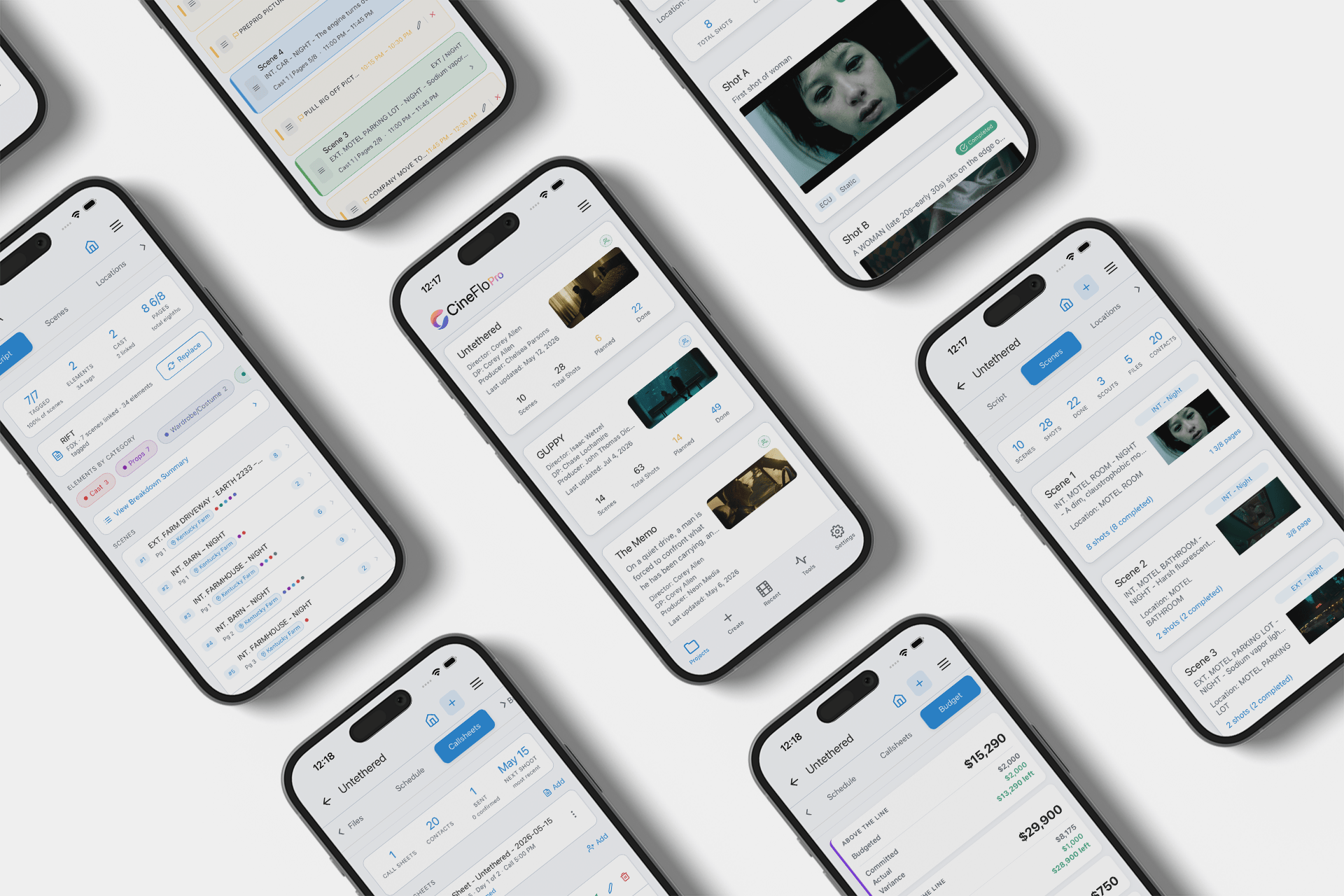
Short answer: Shot Lister is a specialist built around running the shoot day minute by minute. CineFlo is a full production workspace that covers the shot list plus script breakdown, scheduling, call sheets, scouting, and budgeting, on iPhone, iPad, Android, Mac, and in the browser. If you need an on-set shot list runner for iOS or Mac and nothing else, Shot Lister does that one job extremely well. If you are the person doing prep, scouting, call sheets, and the budget yourself, CineFlo covers all of it, and its free plan lets you run an entire production before you pay anything.
Plans and pricing
CineFlo vs Shot Lister
Shot Lister is built around running the shoot day minute by minute, and it does that better than anyone. CineFlo covers the whole production around it, on phone, tablet, desktop, and browser.
CineFlo Pro
Everything for prep, shoot, and wrap, on mobile, desktop, and web.
$7.99 / mo $59.99 billed yearly · collaborators included · free plan available
Shot Lister Pro
On-set shot list and schedule runner. Studio tier starts at $24.99.
$15.99 / mo $99.99 billed yearly · 10 crew synced · 14-day trial
| Plans and cost What you pay, and what you get for it. | ||
|---|---|---|
| Free plan | One project with every feature unlocked, including budget, script breakdown, scheduling, scouts, and call sheets | Two projects, core shot listing only; most features need Pro |
| Paid tiers | $7.99/mo · $59.99/yrOne tier, everything included | Pro $15.99/mo · $99.99/yrStudio tier $24.99 to $94.99/mo for 10 to 80 users |
| What Pro unlocks | Unlimited projects, collaborators, and PDF export | Unlimited projects, storyboards, script import, crew sync, episodes, Apple Watch |
| Free trial | On both monthly and annual plans | 14 days on Pro |
| Where it runs Prep happens at a desk. Shooting does not. | ||
| Platforms | iPhone, iPad, Android, Mac, and any browser | iPhone, iPad, MacAndroid removed from Google Play in 2023 |
| Web app | Full browser client at app.cineflo.com, same projects and permissions | Not available |
| Offline use | Offline-first with a write queue, syncs when you reconnect | Collaboration features need a connection |
| Collaboration | Viewer and editor roles with per-tab permissions, no per-seat cost | 10 crew live on Pro, up to 80 on Studio |
| Planning the shoot Getting from a screenplay to a shot list and a schedule. | ||
| Shot lists | Scene and shot hierarchy, four-status tracking, list or thumbnail view | Hundreds of scenes and thousands of shots with tap-and-drag reordering |
| Shooting schedule | Stripboard and calendar views at scene and shot granularity | Shot-by-shot schedule built to the minute |
| Script import | Final Draft, Fountain, PDF, and Excel template | Final Draft and Fountain, on Pro |
| Script breakdown | 15 element categories, master element library, revision-safe re-import, Day Out of Days and Sides | Not available |
| Storyboards and references | Reference images per shot, plus sharing a frame in from ShotDeck, a browser, or Photos | Storyboard Theatre, on Pro |
| On the day Running the shoot and keeping the crew informed. | ||
| On-set pacing | Shot status tracking and an On the Day view | Live Mode, shows how many minutes ahead or behind you are |
| Multi-camera | Four camera slots, A to D, per shot | Up to 26 cameras |
| Episodic TV | Handled per project | Cross-episode scheduling on Pro |
| On-set timecode | Reads live SMPTE timecode from Tentacle Sync generators over Bluetooth and stamps it onto a completed take | Not available |
| Call sheets | Email delivery, weather, production breaks, confirmed receipt tracking | Not available |
| Studio security approval | Not currently certified | Warner Bros. and Walt Disney Studios |
| Beyond the shot list The rest of the production, and who covers it. | ||
| Location scouting | Media, map context, weather, sketch overlays, named locations linked to scenes | Not available |
| Production budget | 19 EP-standard accounts, PO log, actuals, fringes, live top sheet, cost report | Not available |
| Overhead diagrams | 550+ production asset icons | Not available |
| To-do lists | Owner assignment, due dates, department sub-lists | Not available |
| Cinematography tools | Depth of field, exposure, lighting ratio, diopter, focal length, aspect ratio | Not available |
| Media storage | 1 GB free · 5 GB Pro | Larger uploads on the Studio tier |
CineFlo verified August 2026 against version 1.17.0. Shot Lister pricing and features from shotlister.com, August 2026. Shot Lister is a product of Reel Apps Inc. and is not affiliated with CineFlo or Neon Media LLC.
Shot Lister’s free tier gives you core shot listing across two projects. Storyboards, script import, crew sync, episodes, the Apple Watch app, and circle takes all sit behind Pro at $15.99 a month or $99.99 a year.
CineFlo’s free plan is one project with every feature unlocked. Unlimited scenes and shots, plus location scouts, to-do lists, shared files, shooting schedules, overhead diagrams, production budget, script breakdown, and script and spreadsheet import. Call sheets work on every project you own, including sending them to your crew. You can plan and shoot an entire short film without paying anything.
CineFlo Pro, at $7.99 a month or $59.99 a year, is what you upgrade to when your slate grows past one project, when you need to bring collaborators onto a production, or when you need PDF exports to hand documents to a crew.
The practical difference: on Shot Lister you pay to unlock features. On CineFlo you pay to scale.
Shot Lister
Where Shot Lister Wins
Live Mode. Shot Lister’s core differentiator is a shooting schedule tracked to the minute, showing exactly how far ahead or behind you are and letting the AD reorder the day in seconds. Nothing else in this category does that as tightly. If your 1st AD lives by the clock, that feature alone can justify the price.
Crew sync at scale. Shot Lister Pro syncs 10 crew live, and the Studio tier goes to 80 on a single bill with enforced 2FA and priority support. That is built for episodic television, not a six-person indie crew. CineFlo shares projects with role-based and per-tab permissions, but it does not publish a comparable live-crew number.
Studio security clearance. Warner Bros. and Disney have both cleared Shot Lister as cybersecure for their productions. Inside a studio pipeline that approval is a requirement, not a nice-to-have. CineFlo is not currently certified.
Multi-camera depth. Shot Lister supports up to 26 cameras. CineFlo carries four camera slots per shot, A through D, which covers most indie and commercial work but not a large multicam block.
Episodic scheduling. Shot Lister schedules scenes from different episodes sharing a location or cast on the same day. Most indie tools ignore that workflow entirely.
Pricing and features verified August 2026 against CineFlo 1.17.0. Shot Lister is a product of Reel Apps Inc. and is not affiliated with CineFlo or Neon Media LLC.
CineFlo
Where CineFlo Wins
One app instead of four. Shot Lister builds shot lists and schedules. It does not generate call sheets, scout locations, break down a script into elements, or track a budget. Those tasks do not disappear, they move to StudioBinder, a spreadsheet, and your Notes app. CineFlo keeps them in one place, which means your scene, your shots, your location, your call sheet, and your budget line all reference the same data instead of drifting apart across four tools.
It runs in a browser. CineFlo Web is a full client at app.cineflo.com, working against the same projects with the same sharing rules and permissions. Budget work, script breakdown, and call sheet assembly are all easier at a desk than on a phone. Shot Lister has no web client at all.
Every platform your crew is actually on. iPhone, iPad, Android, Mac, and any browser. Shot Lister pulled its Android app from Google Play in 2023 and now runs on iOS and Mac only. On an indie crew, someone is always on Android.
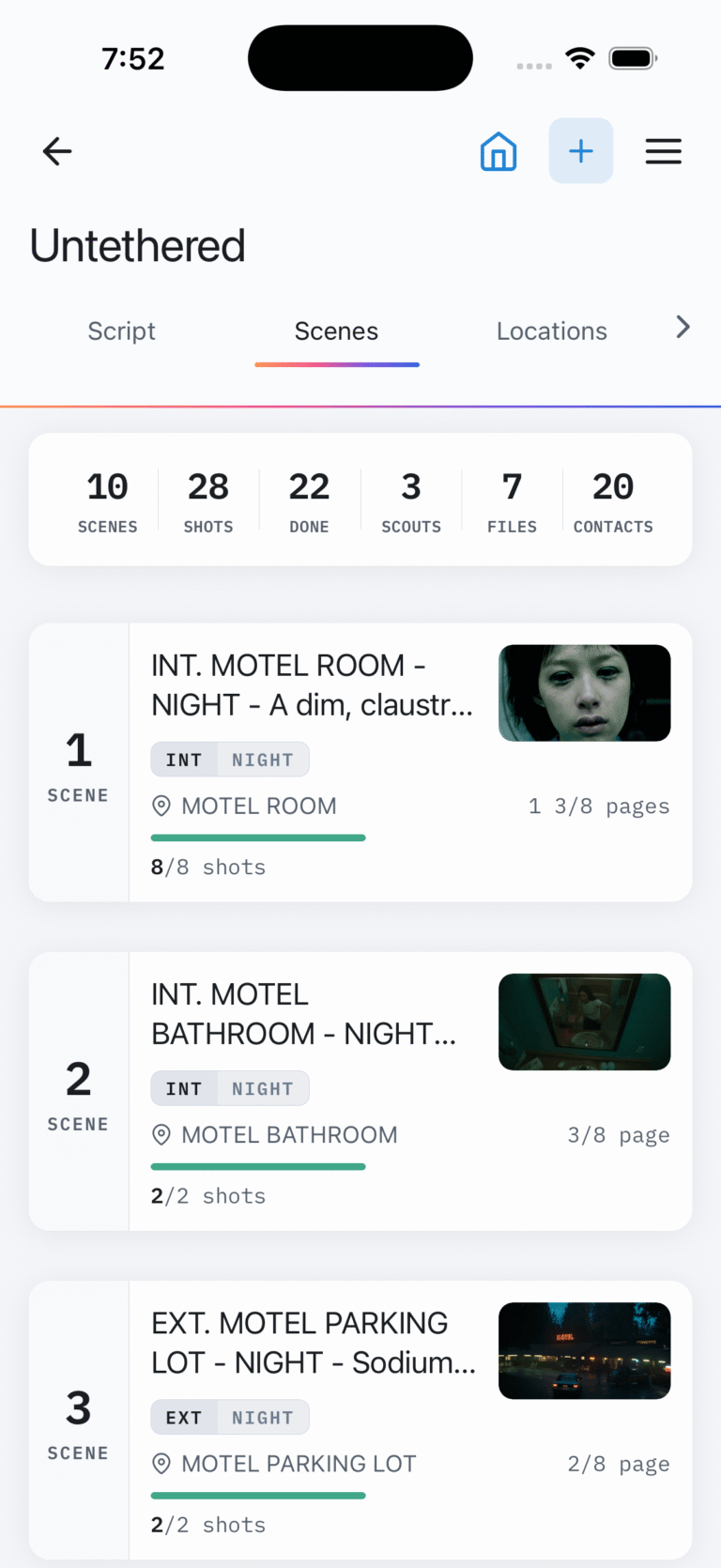
Script breakdown that survives a rewrite. Import from Final Draft, Fountain, or PDF, then tag elements across 15 industry-standard categories from the screenplay reader. A project-wide master element library means renaming something once updates it everywhere. Re-importing a revision diffs the scenes, tracks OMITTED, and handles A/B numbering, so your tagging carries forward instead of starting over. Day Out of Days and Script Sides export as PDFs. Shot Lister does none of this.
Call sheets that confirm themselves. CineFlo builds the call sheet with cast, crew in production hierarchy order, schedule, weather, and production breaks, emails it, and tracks who has confirmed receipt. That is the part that usually turns into a producer chasing texts at 11pm. Shot Lister does not make call sheets.
A real production budget. Nineteen EP-numbered default accounts across ATL, BTL, Post, and Other. Line items, a PO log with actuals, stacking fringe presets for FICA, SAG, DGA, and IATSE, a live top sheet showing Budget, Committed, Actual, and Variance, a weekly cash flow chart, and a PDF cost report. Shot Lister has no budgeting at all.
Reference to shot in one gesture. Share a frame directly from ShotDeck, a browser, or your Photos library into CineFlo, pick the project and scene, and it becomes a shot with that image attached. No exporting, no re-uploading, no switching apps mid-thought.
Timecode from the set. CineFlo reads live SMPTE timecode broadcast by a Tentacle Sync generator over Bluetooth and stamps it onto a take when you mark the shot complete, storing the frame rate and drop-frame flag alongside it so the value is actually usable in post. You get a real reference for editorial to conform against instead of a hand-typed number. It is an opt-in setting, and no other shot list app does it.
Cinematography tools on board. Depth of field, exposure, lighting ratio, diopter, focal length finder, and an aspect ratio reference, all inside the same app as the shot list. For a DP that removes another app from the workflow.
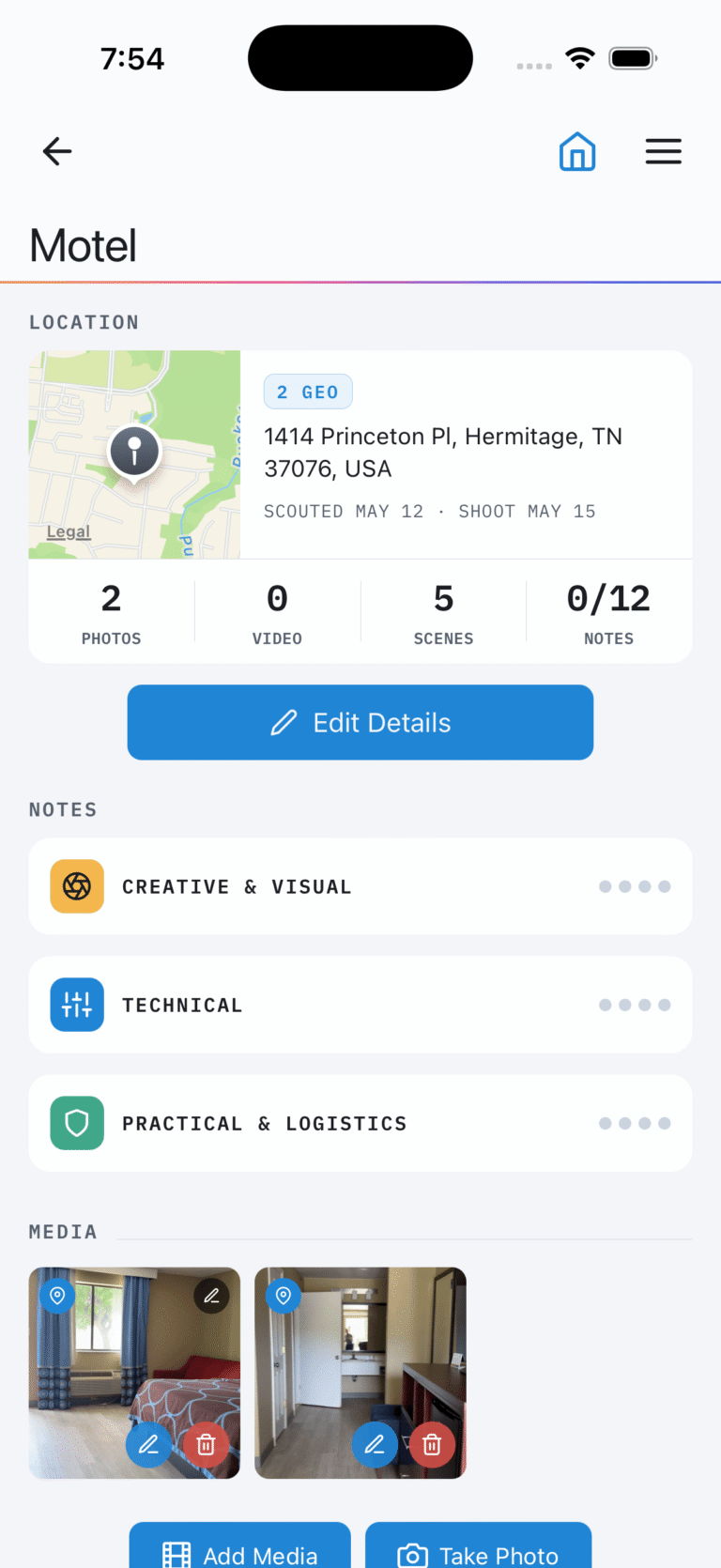
Location scouting built in. Photo and video capture, map context, weather tied to the scene, and vector sketch overlays for blocking. Named filming locations get their own screen linking every scout and every scene shot there.
Offline first. CineFlo is built to work without a signal and syncs when you reconnect, with a write queue behind it. Scouting happens where there are no bars. So does shooting.
Which one is right for you?
Which One Should You Choose?
Choose Shot Lister if you are a 1st AD or director running a scheduled shoot day where minute-level pacing is the whole game, you work on iOS or Mac, you are shooting large multicam blocks or episodic television, and call sheets, breakdown, and budgeting are handled by other departments.
Choose CineFlo if you are the person doing prep, scouting, call sheets, and the shot list yourself, you want one workspace instead of a stack of subscriptions, you want to work at a desk as well as on set, you have Android in the mix, or you want to run a full production before spending anything.
Use both if you are running a larger show. Build the plan in CineFlo, run the clock in Shot Lister on the day. Plenty of productions pair a builder with an on-set runner, and there is no shame in that.
FAQs
Common questions
Whether you’re planning films, commercials, music videos, or branded content, here are the most common questions filmmakers ask about using CineFlo to streamline their production process.
Yes. CineFlo is free to download on iPhone, iPad, Android, and Mac, and free to use in the browser. The free plan gives you one project with every feature unlocked, including unlimited scenes and shots, script breakdown, production budget, scheduling, location scouts, diagrams, and call sheets. Pro adds unlimited projects, collaborators, and PDF export at $7.99 a month or $59.99 a year.
No. Shot Lister was removed from Google Play in 2023 and runs on iOS, iPadOS, and macOS. CineFlo supports Android alongside iPhone, iPad, Mac, and any browser.
No. Shot Lister focuses on shot lists and shooting schedules. Call sheets require a separate tool. CineFlo builds call sheets with cast, crew, schedule, weather, and production breaks, emails them to your crew, and tracks confirmed receipt.
Yes. CineFlo Web at app.cineflo.com is a full browser client against the same projects, with the same sharing and permission rules as the app. There is also a native Mac version. Shot Lister offers a Mac app but no web client.
Both support Final Draft and Fountain. CineFlo also imports PDF screenplays and Excel templates, then tags elements across 15 categories to produce breakdown sheets, Day Out of Days, and Script Sides.
CineFlo, by a wide margin. $59.99 a year against $99.99, and CineFlo's price includes script breakdown, call sheets, scouting, and budgeting that Shot Lister does not offer at any price.
Yes. Rebuild your project from a script import, or use the free Excel shot list template that imports directly into CineFlo.
The Shot List, Call Sheet Generator & Film Production App — Free to Download