
Golden Hour & Shadow Map
A free browser tool for scouting light. Check any location on any date, see where the shadows fall, and know your golden hour before you commit the day.
Plan Better Shoots with the Golden Hour & Shadow Map Planner
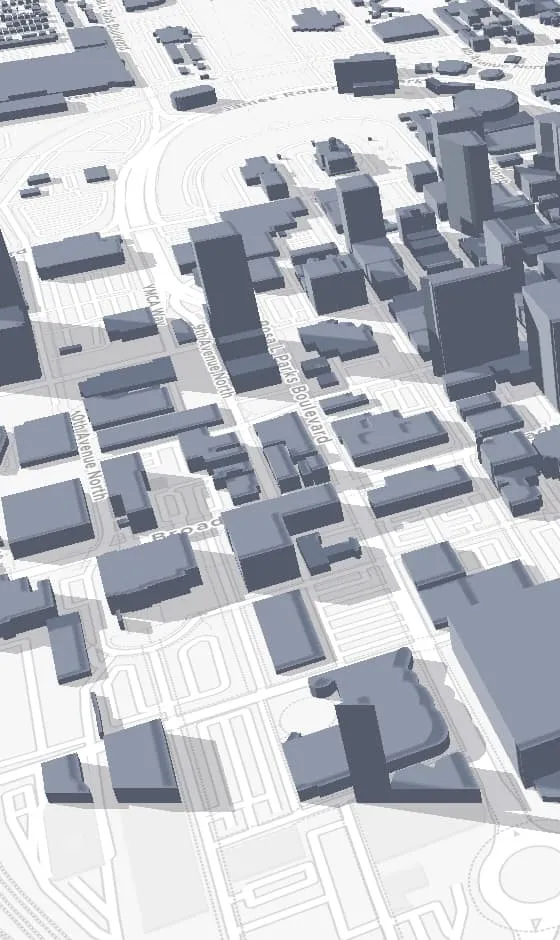
A sunrise and sunset table tells you when the sun crosses the horizon. It does not tell you when the sun drops behind the building across the street, which on a city location is the number that actually decides your day. This planner answers the second question. Drop a pin, pick a date, and scrub through the day to watch the sun move and the shadows fall across real buildings and terrain.
Most sun calculators model an empty field. This one models the block. You can see the hour a courtyard goes into shade, the moment a west-facing wall picks up direct light, and how much time sits between the two. That is the difference between planning a 5pm exterior and discovering at 5pm that the exterior is in shadow.
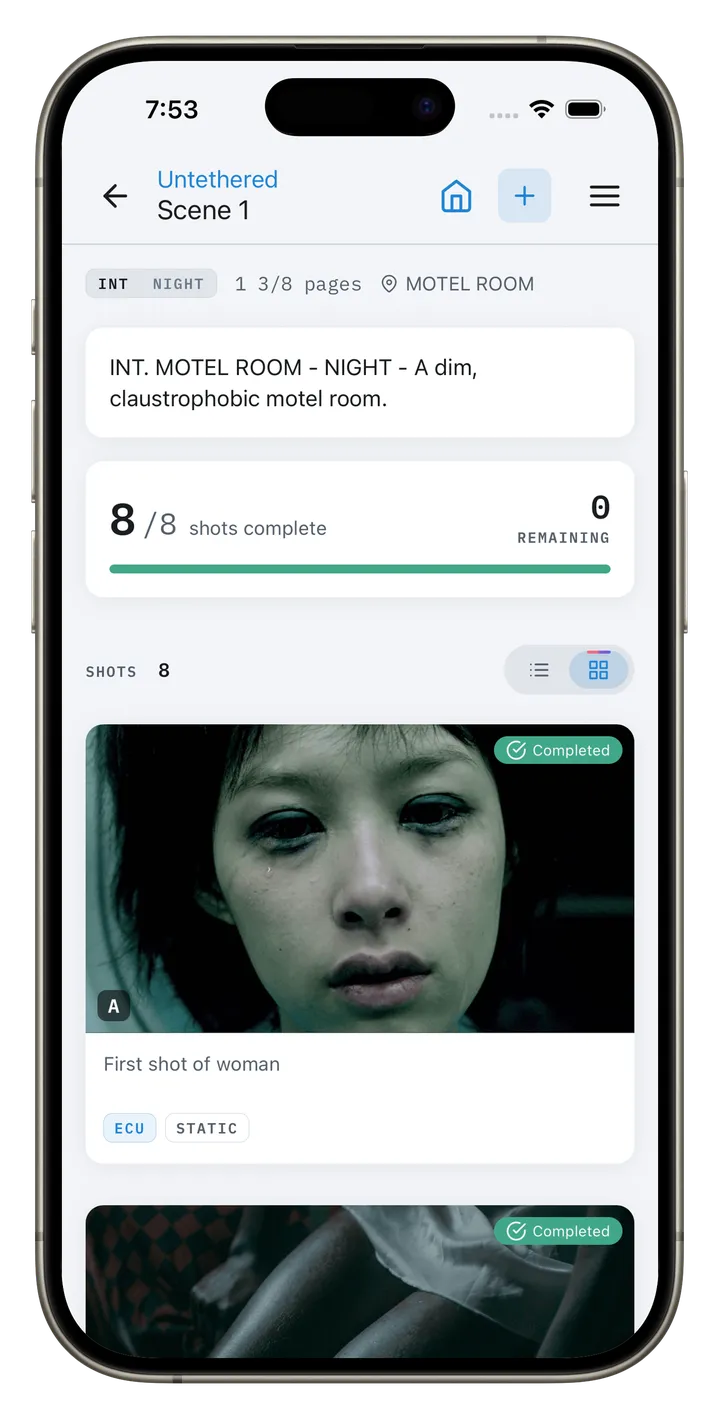
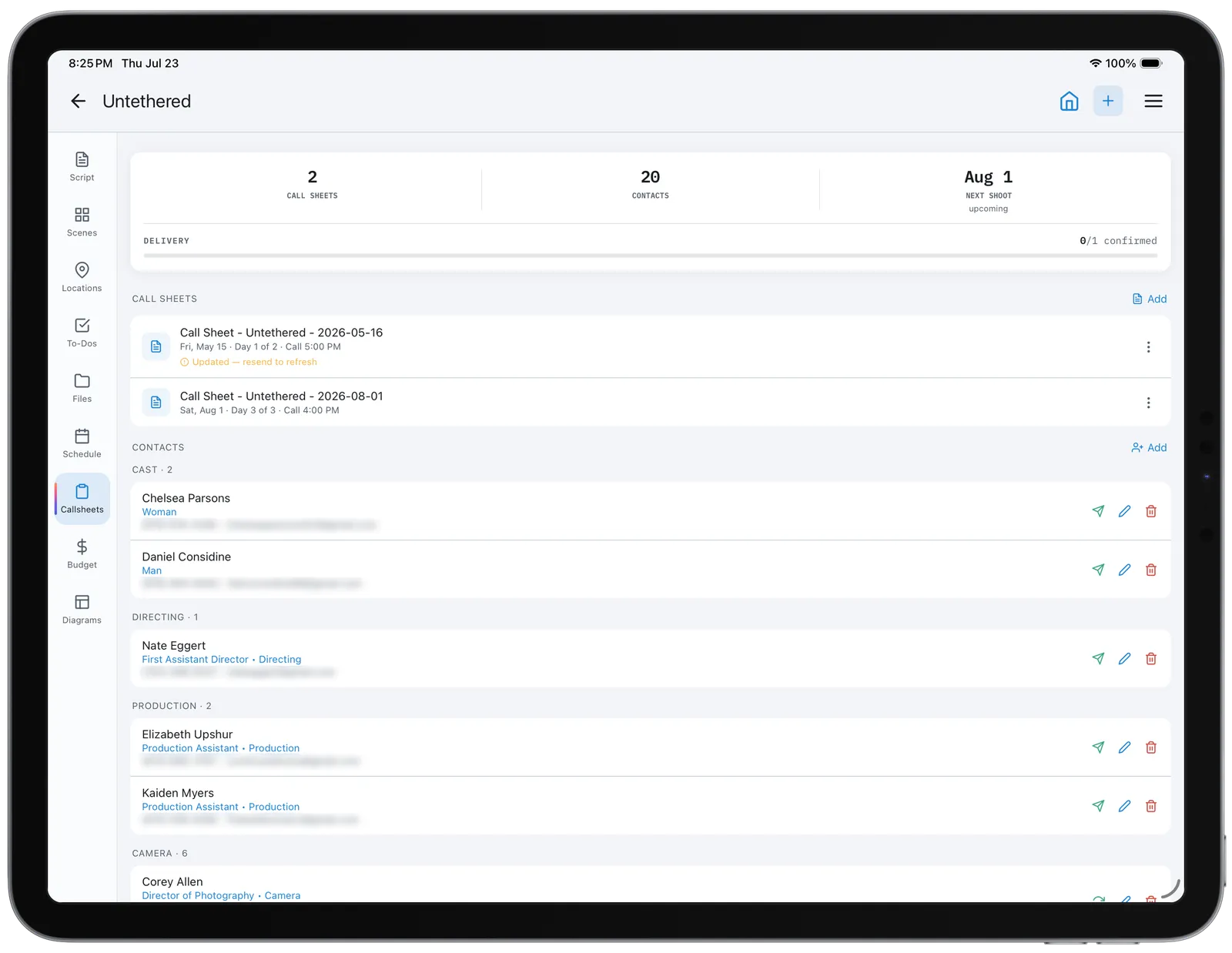
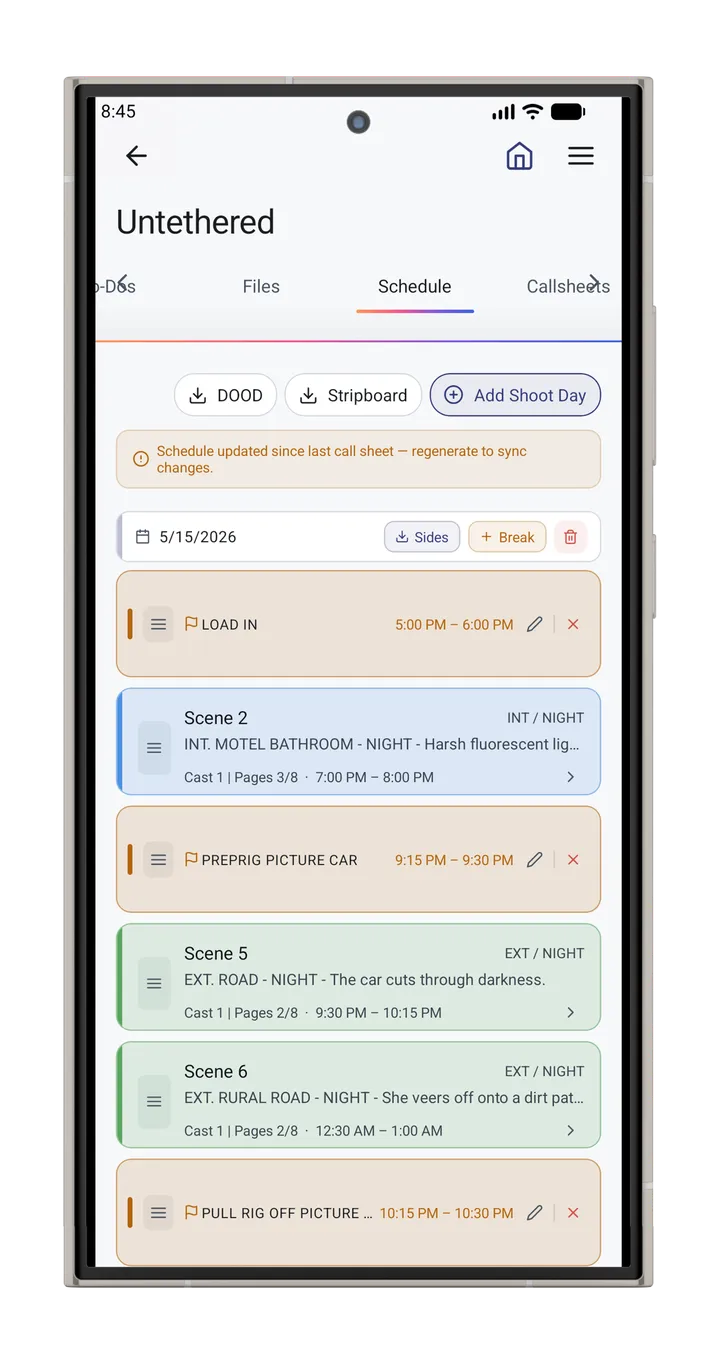
It earns its keep before you have stood on the location. Compare two addresses without leaving your desk, check the same spot in June and again in November, and work out which scenes can share one daylight window. What comes out of it feeds straight into your shot lists, your shooting schedule and your call sheets.
The tool reads golden hour, blue hour, sunrise, sunset and the full daylight window for the date you choose, then renders shadow length and direction for any minute of that day. Use it for a silhouette you are chasing, for matching continuity across two shooting days, or for scheduling exteriors around the light you are actually going to get.
It is free and needs no account. It sits alongside the rest of the CineFlo tools: the shot list app, location scouting, production budgeting, the call sheet creator, and the cinematography calculators.
How Our Shadow Map Tool Compares
| Capability | CineFlo Golden Hour & Shadow Map Planner | Shadowmap | SunCalc.org | Sun Surveyor / PhotoPills |
|---|---|---|---|---|
| Cost | Free, no account | Free tier; paid Pro | Free | Paid apps |
| Where it runs | Any browser, desktop or phone | Browser and apps | Any browser | iOS / Android |
| Sun times & light windows | ✓Golden, blue, daylight, night | ✓ | ✓ | ✓ |
| 3D buildings casting shadows | ✓ | ✓ | ✗ | ✗ |
| Shadows falling on building facades | ✓Real-time, per-pixel | ✓ | ✗ | ✗ |
| Shows how reliable its building heights are | ✓Surveyed vs estimated, per view | — | n/a | n/a |
| “Shootable light” windows for the day | ✓Named and timed | — | — | ✓ |
| How long a specific spot stays in shade | ✓ | Pro feature | ✗ | ✗ |
| Full-day timelapse with orbit | ✓ | ✓ | ✗ | — |
| Sun path & shadow-direction overlay | ✓Toggleable | ✓ | ✓ | ✓ |
| Shareable link that restores the exact setup | ✓ | ✓ | ✓ | — |
| Print / PDF sheet for a call sheet | ✓ | — | ✗ | — |
| AR viewfinder on location | ✗ | — | ✗ | ✓ |
| Works offline | ✗ | Apps only | ✗ | ✓ |
| Built for | Film & photo production | Property, solar, architecture | General sun reference | Photographers |
✓ yes · ✗ no · — varies by version — check the current release. Comparison last reviewed July 2026.
FAQs
See Your Light Before You Shoot
Everything you need to know about planning your shoot around natural light.
What is golden hour and why does it matter for filmmaking?
Golden hour is the period shortly after sunrise and before sunset when sunlight is low, soft, and warm-toned, producing flattering skin tones, long dramatic shadows, and reduced contrast compared to midday sun. It's one of the most sought-after lighting conditions for exteriors because it minimizes harsh shadows and blown-out skies while adding a cinematic warmth that's difficult to replicate artificially.
How do I find the exact golden hour time for my shooting location?
Golden hour times shift based on latitude, longitude, date, and season, so a generic "golden hour is around 6pm" rule doesn't hold up in real scouting. Drop a pin on your exact shooting location in the planner above and select your shoot date. The tool calculates precise sunrise, sunset, golden hour, and blue hour windows for that specific spot rather than a citywide estimate.
What's the difference between golden hour and blue hour?
Golden hour happens right after sunrise and right before sunset, when the sun is low but still visible, casting warm, directional light. Blue hour follows sunset (or precedes sunrise) once the sun has dropped below the horizon, leaving a cooler, softer, more even light with deep blue tones in the sky. Both are popular for exteriors, but they call for different color grading and mood.
Does the shadow map work for any location in the world?
Sun calculations work anywhere on Earth, on any date, with times shown automatically in your pin's local time — including polar locations, where midnight sun and polar night are reported correctly rather than faked into a sunrise. The 3D buildings depend on Overture Maps coverage, which is global but uneven: major cities are densely mapped with many surveyed heights, while smaller towns and rural areas have fewer or none. Where buildings are missing the tool says so plainly, and you'll still get every sun time, light window, shadow length and direction — those come from the sun's position and don't depend on the map at all. Recently completed buildings may be absent until the open data catches up.
How accurate is the shadow direction and length shown in the tool?
The sun maths is exact — solar position comes from SunCalc for your pin's precise coordinates and date, so shadow direction is as accurate as astronomy allows, and length follows the exact trigonometry of height ÷ tangent of the sun's altitude. What varies is building height data, which arrives from Overture Maps in three tiers — surveyed heights, estimates by building type, and a local-median fallback — and the line beneath the timeline tells you the breakdown for whatever you're looking at. It deliberately doesn't model terrain slope (shadows are computed on a flat plane) or anything unmapped, including most trees and temporary structures. If a shot hinges on one building's shadow edge and that building is in an estimated tier, verify it on the ground.
Can I use this to plan shoots across multiple days or scout several locations at once?
Yes. You can drop a pin at any location, check its lighting across different dates and seasons, then repeat the process for other candidate locations before committing to one. This makes it easy to compare how golden hour timing and shadow behavior differ between two potential shooting spots without visiting either in person first.
Do I need an account or the CineFlo app to use this tool?
No. The Golden Hour & Shadow Map Planner is free to use directly in your browser with no sign-up required. It's part of a broader set of free tools CineFlo offers alongside the full shot list and production planning app for filmmakers who want to manage scheduling, call sheets, and shot lists in one place.