
Film scheduling software
A Stripboard That Keeps the Day Honest
Board scenes into shoot days, split a long scene across days shot by shot, and let each strip's start and end follow from the crew call. Day out of days, the printed stripboard and call sheets come from the same board. On iPhone, iPad, Mac, Android and the web, and free for one project.


The stripboard
Board the Days, See the Times
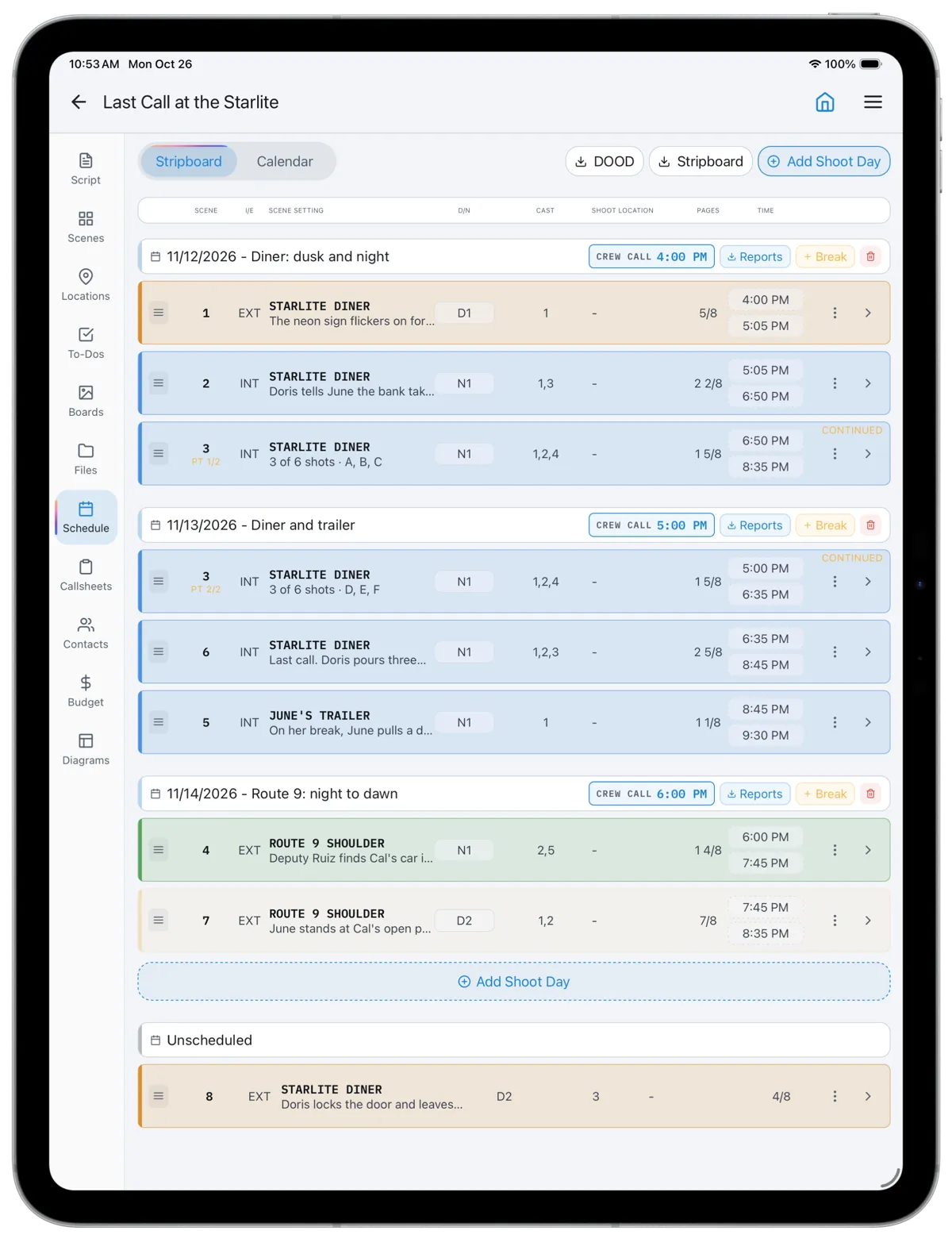
Every scene is a strip with its scene number, INT or EXT, set, day or night, cast numbers and page count in eighths, color-coded the way a paper board is. Drag strips into shoot days, add a day after the last one, and park what is not yet placed in Unscheduled.
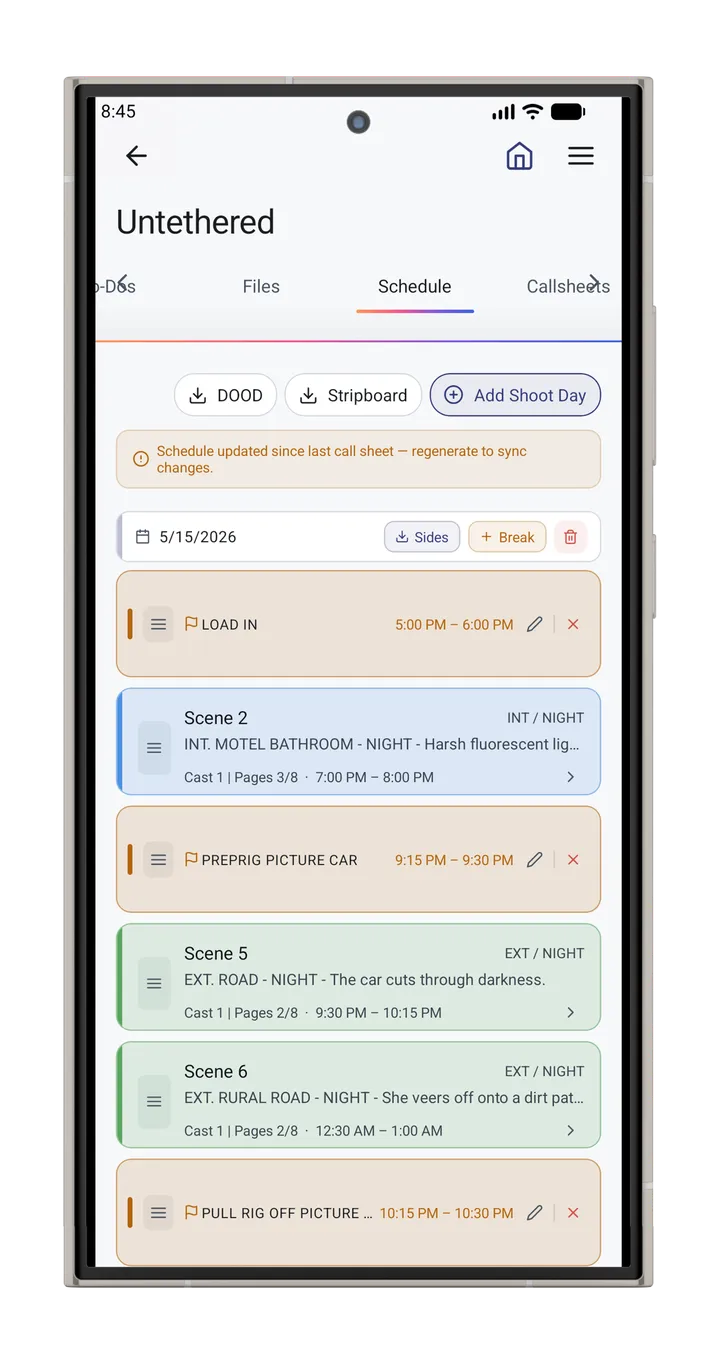
Set a day's crew call and each strip's start and end follow from its shots' time estimates, or from its pages where shots have none. Breaks and company moves are lengths, so moving one moves everything after it. Type a time on a strip to hold it there. You see whether a day is achievable while you are still building it.
Split a Scene Without Renumbering It
Long scenes rarely fit in one day. The usual workaround is to renumber the scene as 8A and 8B and split the breakdown by hand, which breaks the link to the script and the shot list. In CineFlo you choose which shots and pages shoot on each day, or drag a single shot to another day. The scene keeps its number, each day's strip shows as part one or part two, and call sheets, the printed stripboard and the day reports carry only that day's part. Shots not yet on a day stay visible so nothing is dropped.
From the board
Call Sheets, DOOD and the Printed Board
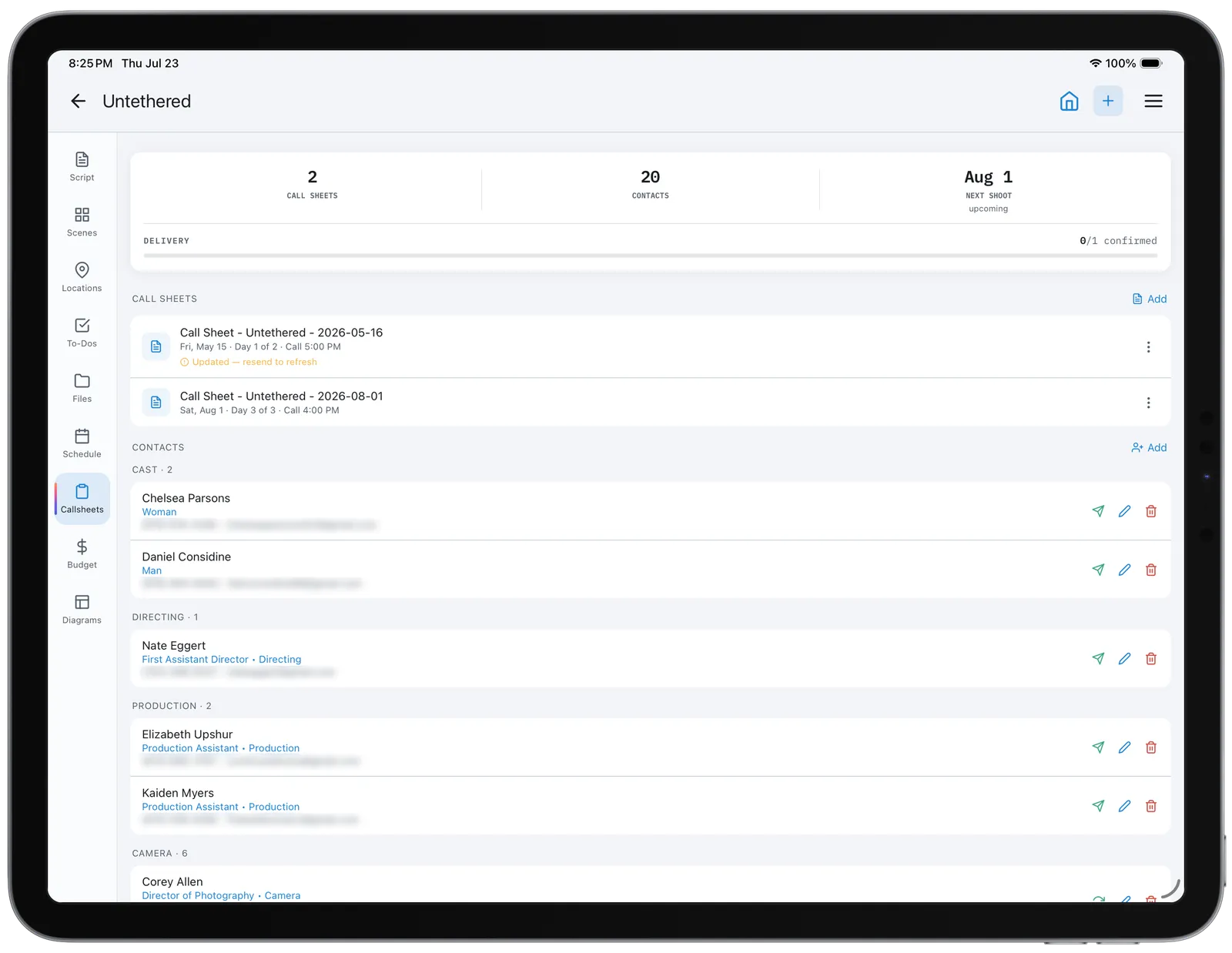
A call sheet for a shoot day starts from the board: day number, crew call, shooting call, meal and wrap, the scenes with their filming locations, and the cast those scenes need. Change the schedule and the call sheet follows without losing what you typed.
Day out of days builds from the same board, and the stripboard exports as a landscape, color-coded PDF with break banners. Daily production reports, camera reports and the wrap report all know what each day was meant to shoot. More on the call sheet app.
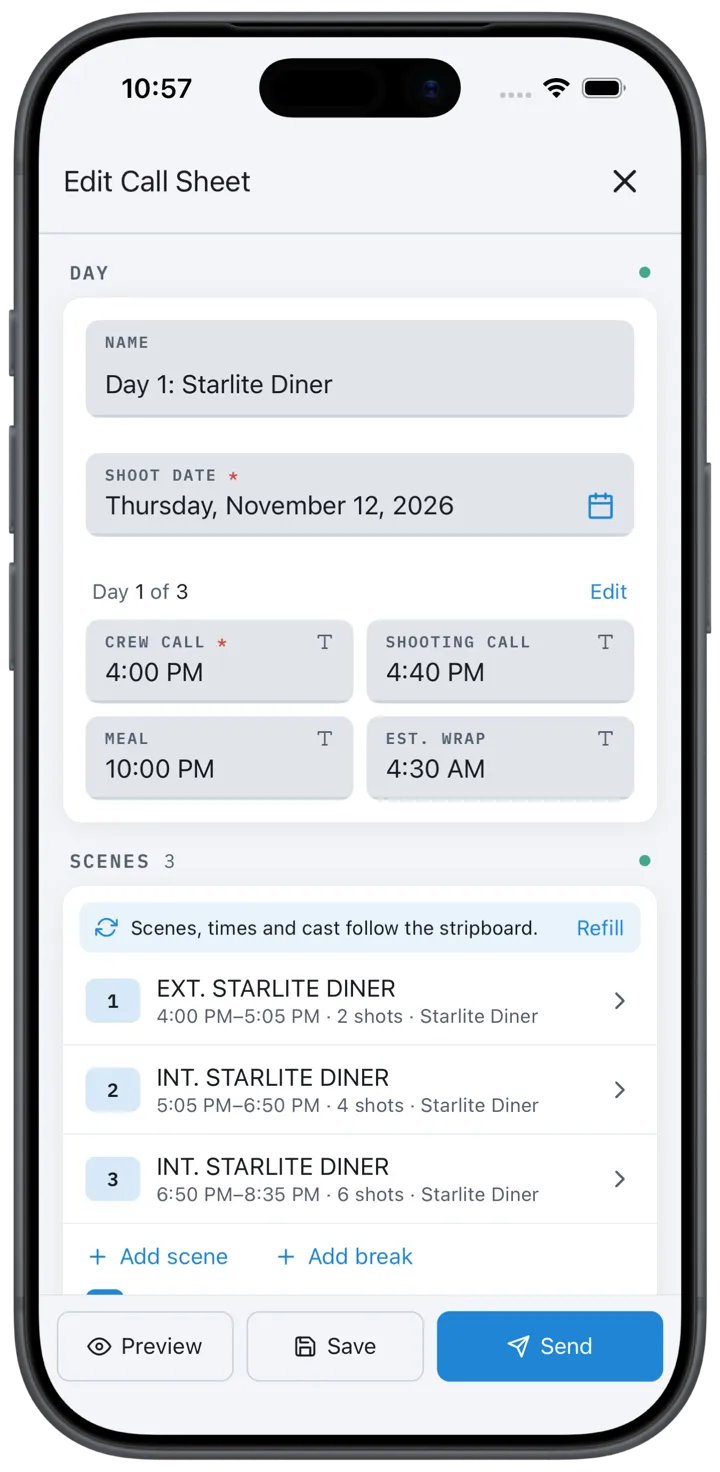
Every call sheet starts from the board.
Built on the Breakdown
The schedule is only as good as the breakdown under it. Import a Final Draft, Fountain or PDF script and CineFlo creates the scenes with sluglines and page counts; tag cast and elements in the breakdown and they reach the strips, the day out of days and the call sheets. When a revision comes in, re-importing keeps your tagging and shows which scenes changed. Read how to do a script breakdown for the method, and the glossary for stripboard, eighths and day out of days.
Questions about scheduling?
FAQs
Common Questions About Film Scheduling Software
Is there free film scheduling software?
Yes. CineFlo's free plan includes the full stripboard, calendar view, split scenes, strip times and call sheets on one project. CineFlo Pro adds unlimited projects, collaborators, day out of days and sides, and PDF exports including the printed stripboard.
Is Movie Magic Scheduling free?
No. Movie Magic Scheduling is sold by Entertainment Partners, listed at $39.99 a month or $279.88 a year, with no publicly advertised free trial. CineFlo's stripboard is included on its free plan.
How do you split a scene across two shoot days?
In CineFlo, open the scene's strip and choose which shots and pages shoot on each day, or drag one shot onto another day. The scene keeps its number, each part shows on its own day, and call sheets list only that day's part. There is no need to renumber it 8A and 8B.
How many pages can you shoot in a day?
It depends on the work, not just the page count. Dialogue scenes on a small crew might run four to six pages a day; action, stunts, children, animals, night exteriors and company moves cut that sharply. CineFlo times each strip from its shots' estimates where you have them, which reflects the work better than eighths alone.
Can I print a stripboard?
Yes, on CineFlo Pro. The stripboard exports as a landscape PDF with every shoot day, color-coded by INT or EXT and time of day, with break banners inline.
Does the schedule work on the web?
Yes. The stripboard, calendar view and day out of days work in any browser at app.cineflo.com as well as on iPhone, iPad, Mac and Android, on the same project.