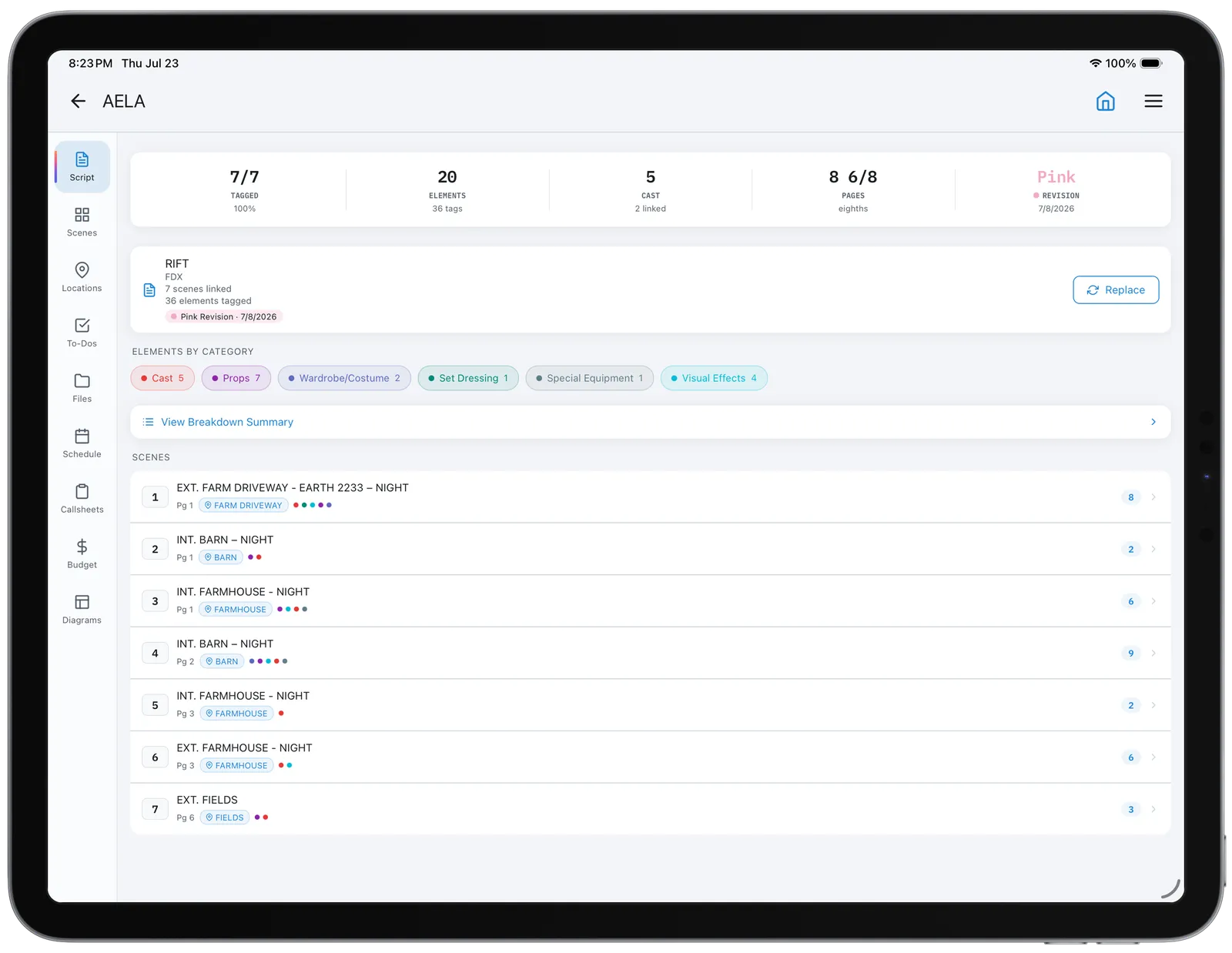
01 Import and break down the script Bring in Final Draft, Fountain or PDF. CineFlo creates a scene per slugline with INT/EXT, set and time of day already parsed, then gives you a breakdown sheet to tag cast, props, wardrobe and vehicles. FDX Fountain PDF Element tagging
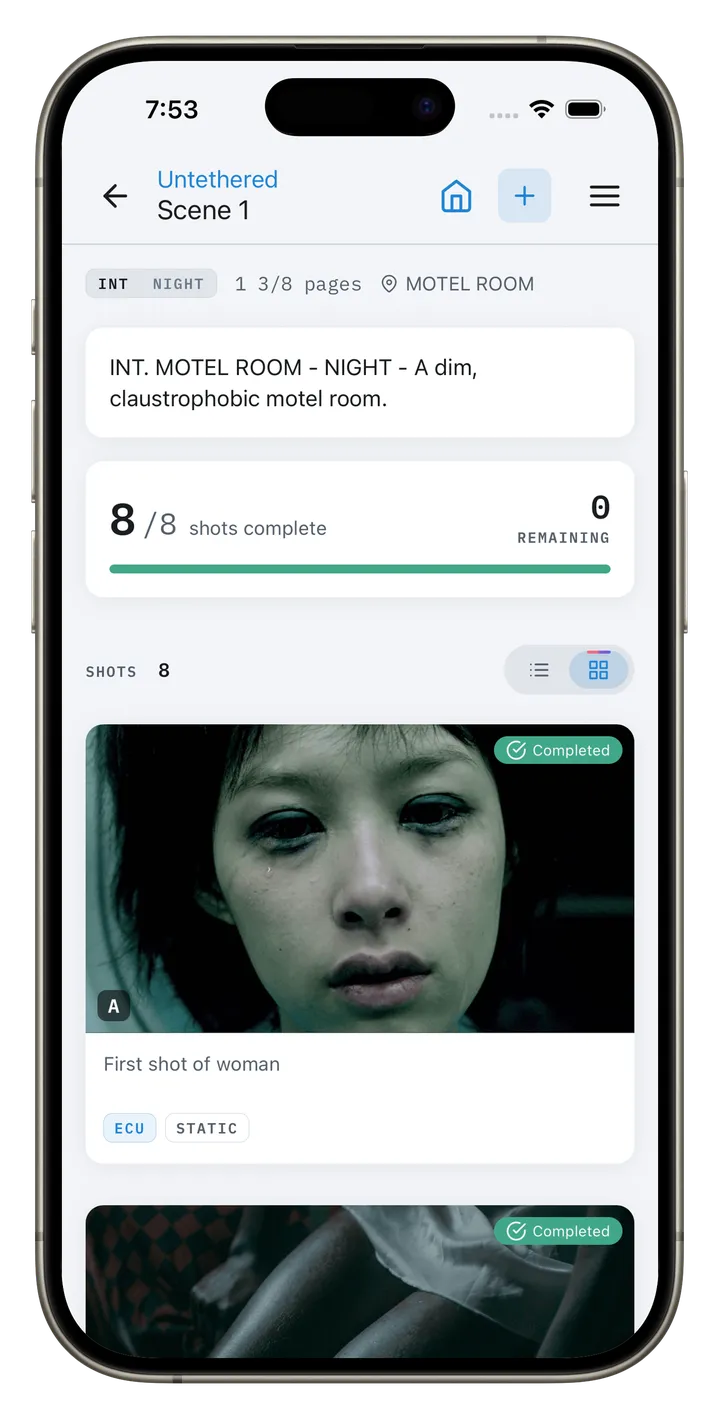
02 Build the shot list Attach a frame grab, a scout photo or a storyboard panel and build the shot around it — size, lens, movement, coverage — or start from one of twelve coverage presets. Shots renumber themselves when you reorder them, and each scene card shows whether it is planned, scheduled, in progress or completed. Draw the lighting diagram alongside it, with real Aputure, Godox and Astera fixtures at their published sizes, beam angles and the camera's field of view, and a prep list for the gaffer. Reference images Coverage presets Scene progress Lighting diagrams
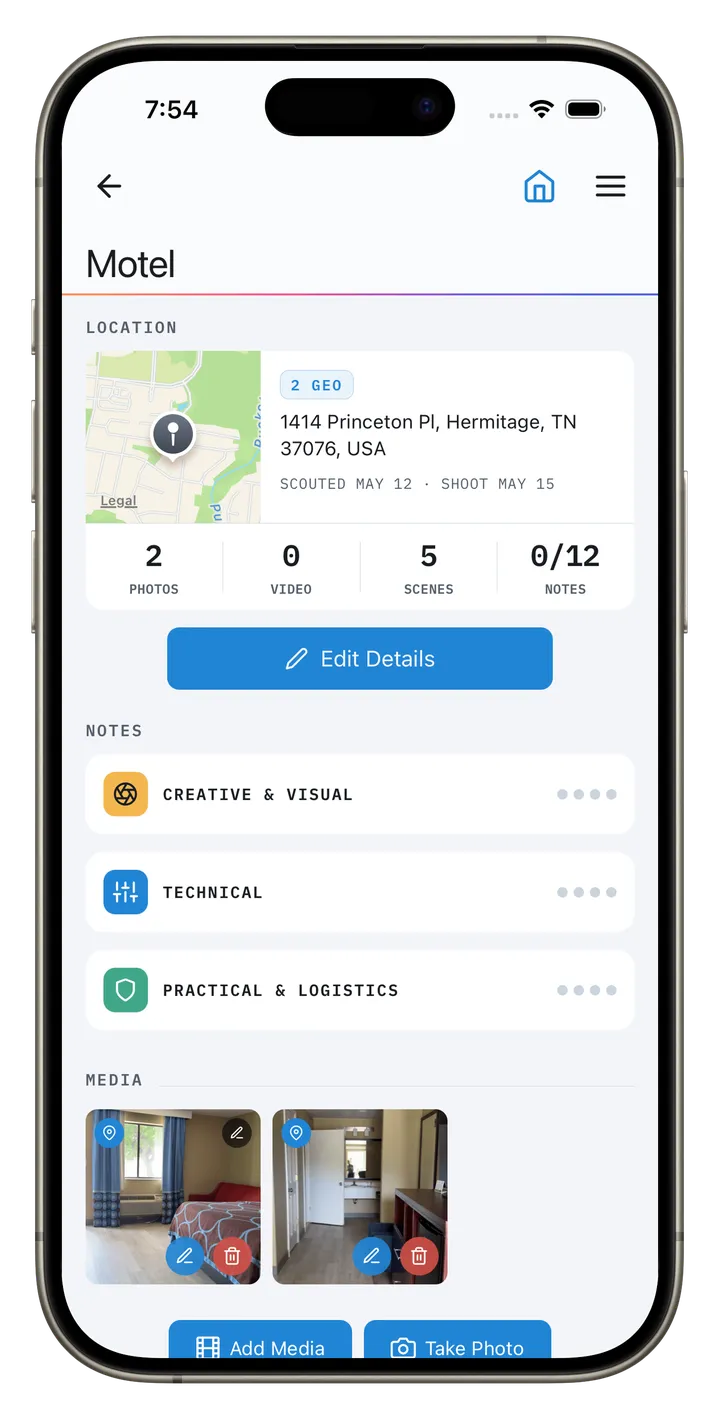
03 Scout in the field Photograph and geotag on site, note access, power and parking, and check exactly where the sun will be on the day you shoot. Finished scouts convert into scenes without retyping. Geotagging Golden hour Shadow map
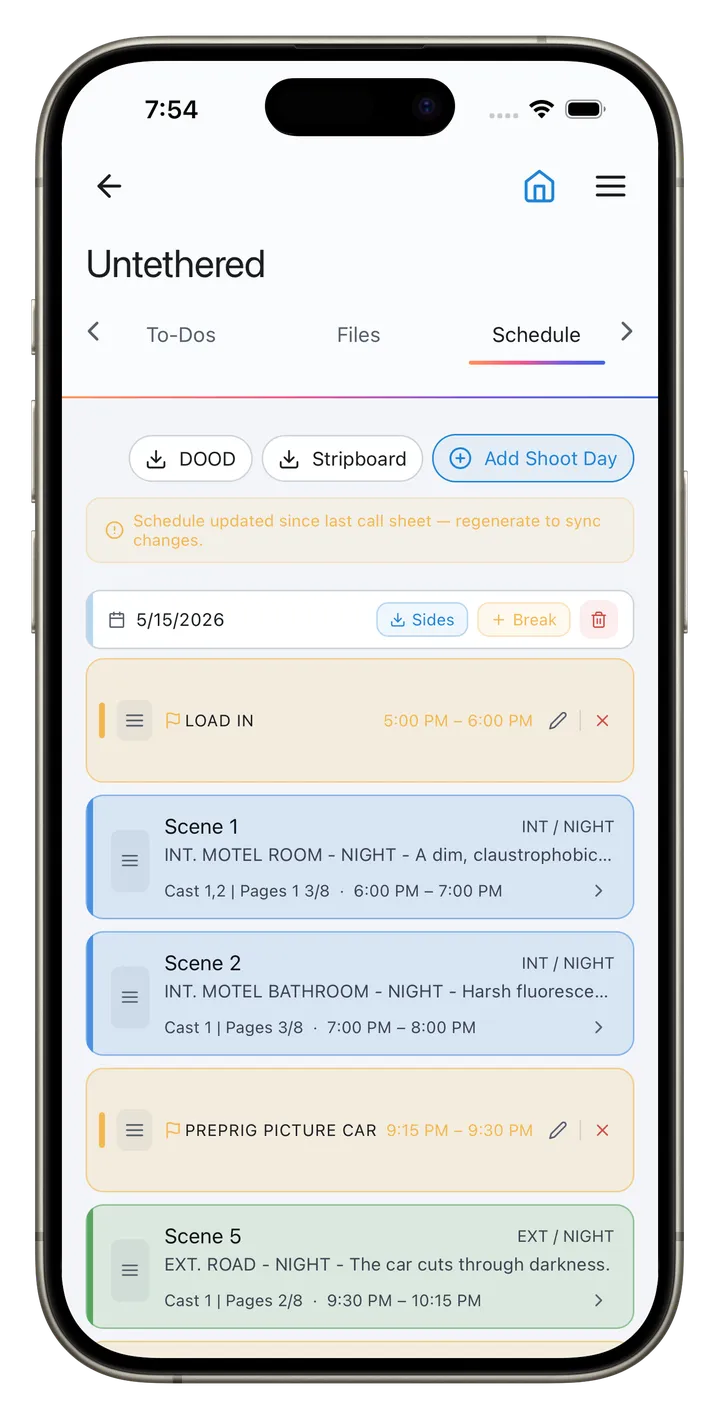
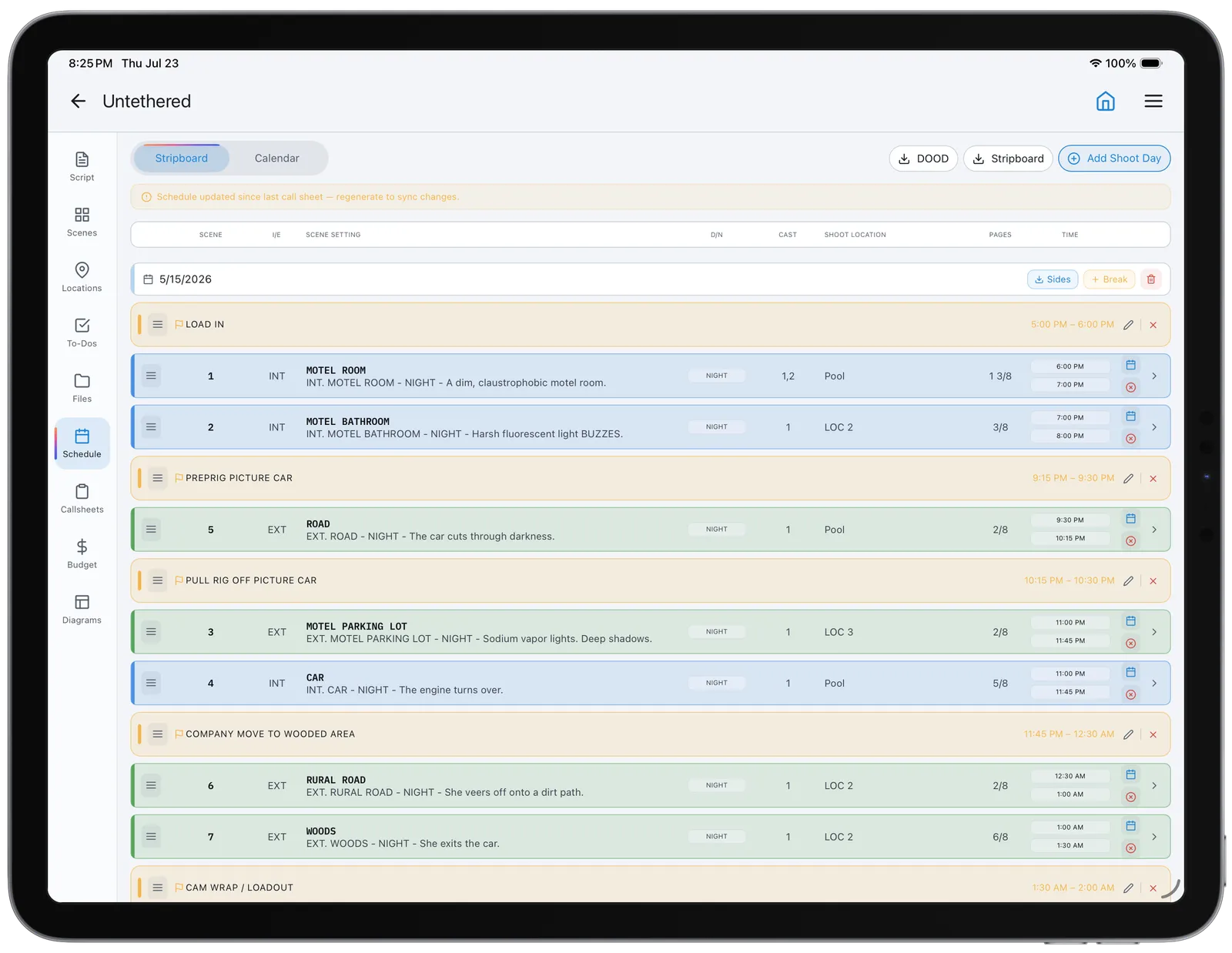
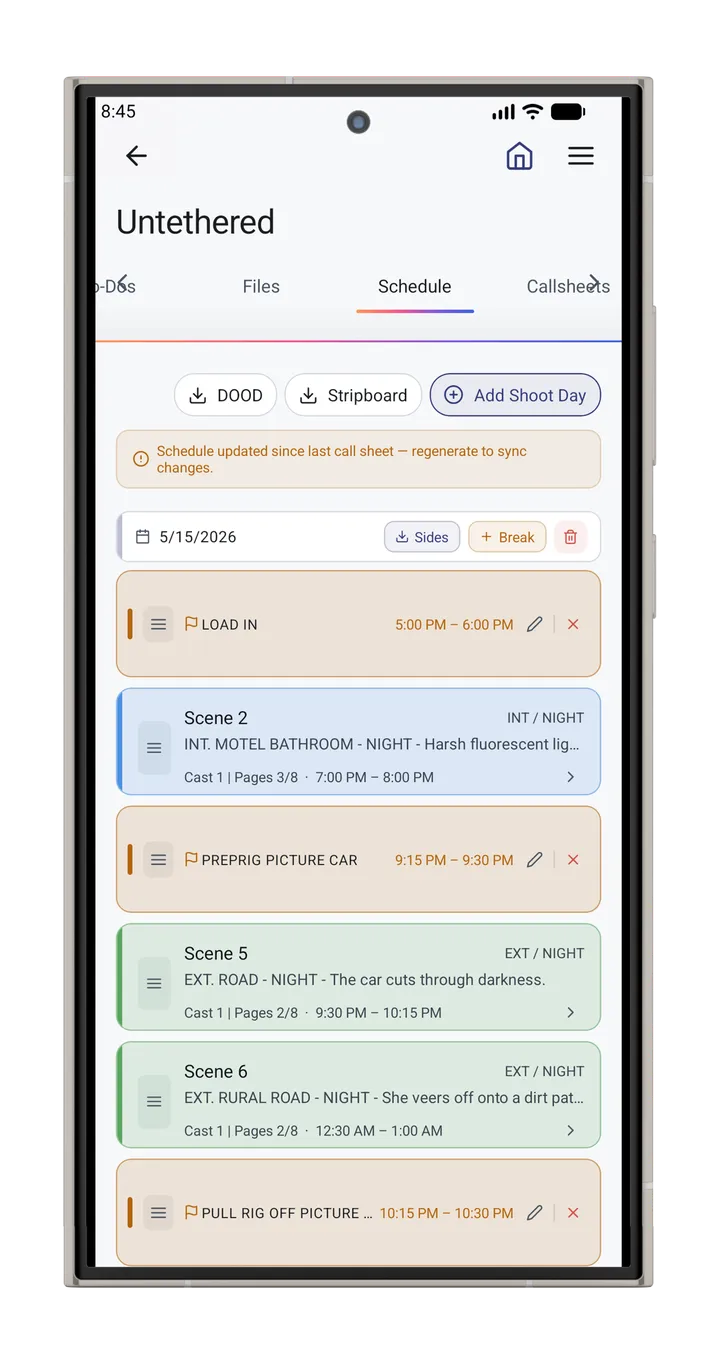
04 Board the shooting days Order scenes into days with page counts in eighths. Set the crew call and every strip's start time follows from its shots and pages, and a long scene can split across days, shot by shot. Move one and the times recalculate, so you know whether the day is achievable before you are behind. Stripboard Page counts Split scenes
05 Generate and confirm the call sheet Pick a shoot day and the call sheet fills itself from the stripboard: crew call, shooting call, meal, wrap, scenes with their filming locations, and cast. Weather, magic hour and the nearest hospital come with it, and it shows what is still missing. Preview the email each person will get, then send it and track who has confirmed. Pro adds a message for everyone, a note only one person sees, and maps, photos and PDFs attached to the email. Fills from the schedule Email preview Attachments Confirmations
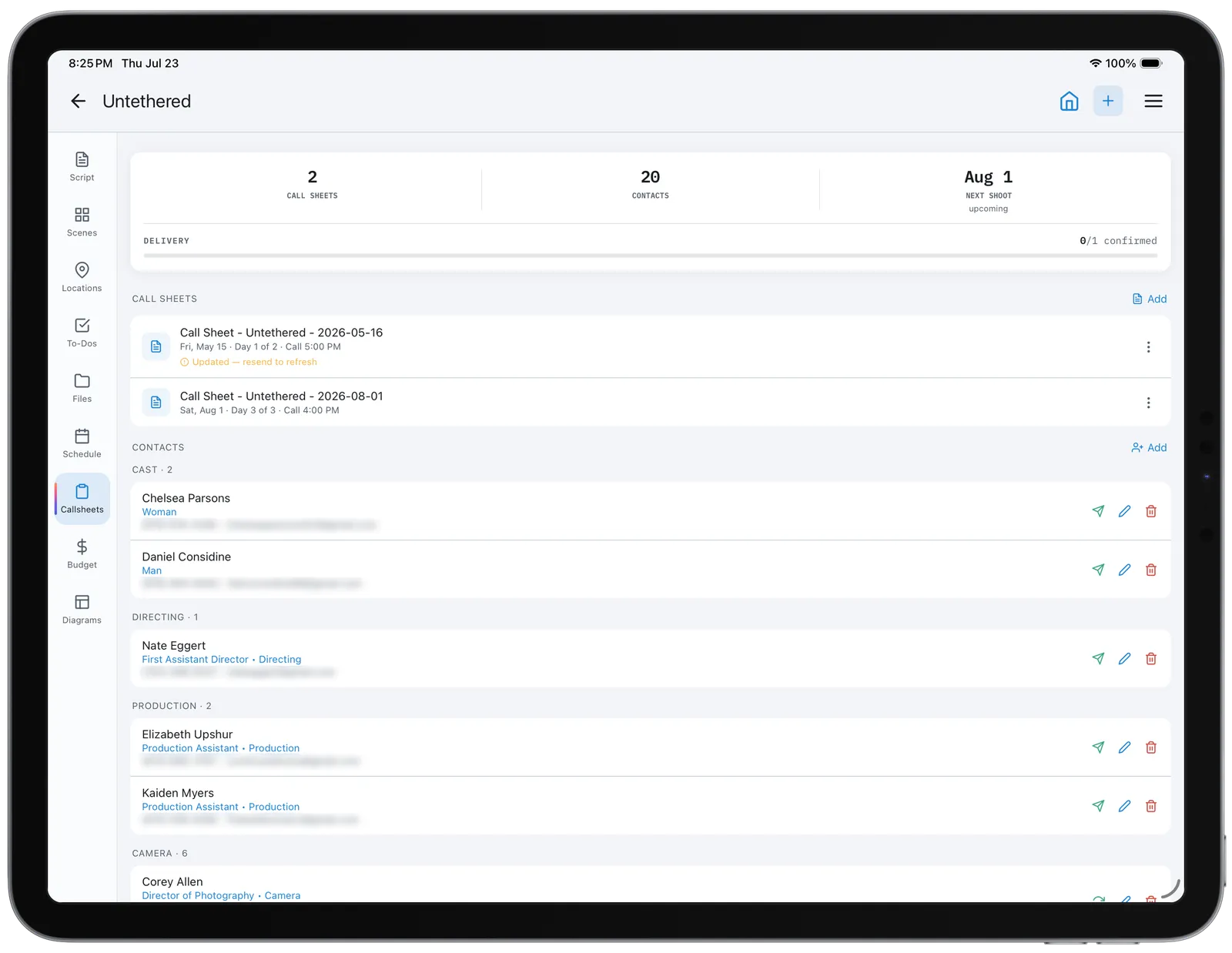
06 Report the day and wrap the show The paperwork the office files once shooting starts. A production report sets the day as planned against what was actually shot, keeping the company moves and the rig in the running order. A camera report goes to post per roll with the lens, stop and timecode every setup was shot at. Then a wrap report for the whole shoot, costed against the budget. Production report Camera report Continuity log Wrap report