
Home / Guides / How to Make a Shot List
How to Make a Shot List
A shot list is the director's plan for every shot a scene needs: the shot number, its size, how the camera moves, the lens, and a line on what happens in frame. You write it in prep, the first AD schedules from it, and the camera team works from it on the day.
This guide goes through how to make one, from the script to a list you can shoot from, and ends with a real six-shot example and what to do with the list once you are on set.
What Is a Shot List?
A shot list breaks each scene into the individual shots you plan to film. It's written as two words or one, shot list or shotlist, and they mean the same thing. It is not the same as a storyboard, which draws the frames, or a stripboard, which orders the scenes across shoot days. The shot list sits between them: it says what to shoot inside a scene, and how long that will take.
That last part is the one people skip. A list of shots with no time against it can't tell you whether the day is possible, and finding out at 4pm that it isn't is the expensive way to learn.
What Goes on a Shot List
- Scene number and shot number, such as 3A, 3B, 3C.
- Shot size: wide (WS), medium (MS), close-up (CU), insert, over the shoulder (OTS).
- Movement and rig: static on sticks, handheld, dolly, Steadicam, crane.
- Lens or focal length.
- A one-line description of the action, written so someone who hasn't read the script understands it.
- Cast in the shot, by cast number.
- Estimated time to set up and shoot.
- Status: planned, in progress, completed, or dropped.
Bigger shoots add a camera letter for multi-camera setups, notes for the DP or AD, and the camera report fields (take, roll, circle take) that make the list useful in the edit.
Step 1: Break the Script Into Scenes
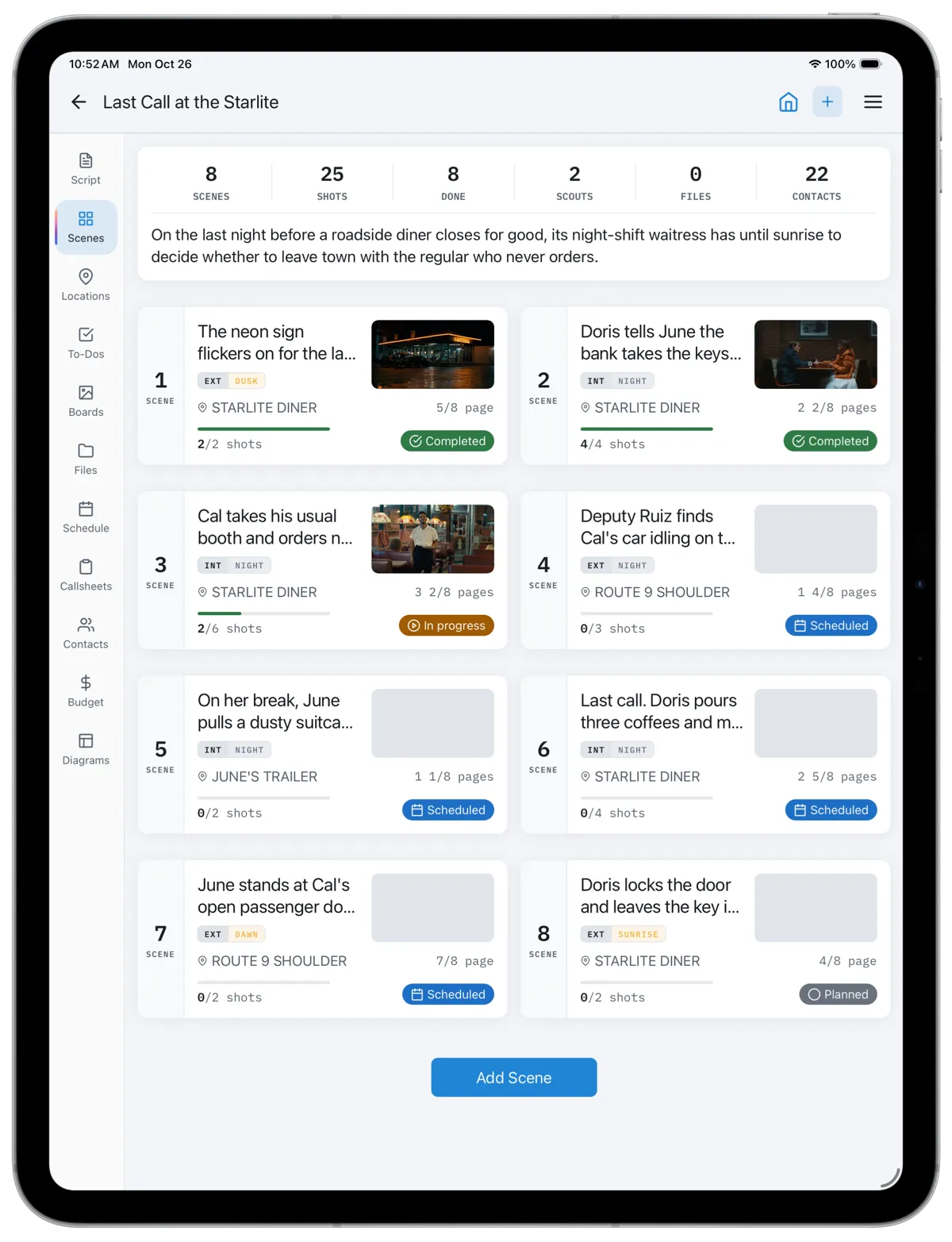
Start from the script, not from ideas for shots. List every scene with its number, heading (INT or EXT, location, time of day), its length in eighths of a page and the cast in it. If you are working from a screenplay file, a script breakdown gives you all of this, and importing the script into an app such as CineFlo builds the scene list for you.
Step 2: Decide How the Scene Will Be Covered
Before writing individual shots, decide the approach. Coverage is the set of angles that lets the editor cut the scene, and there are a few common styles. Classic coverage shoots a master, then mediums and singles, then inserts. A scene played as a oner is one long take. Handheld vérité follows the action. An efficient plan aims for the fewest setups that still cut.
The style is a choice about the film, and it is also a choice about time. A dialogue scene in classic coverage is usually five to eight shots. The same scene as a oner is one shot that may take all morning to rehearse.
Step 3: Write One Line per Shot
Work through the scene in story order and write each shot as a line: number, size, and what happens. Keep descriptions about action, and specific. "Over Hank onto Cal as Hank needles him" tells the crew who is in frame and when it plays. "Nice two-shot" does not.
Number shots with letters inside the scene (3A, 3B, 3C) rather than one running count across the film. When a shot is added or cut, the rest of the scene keeps its numbers, and so does every other scene.
Step 4: Add Camera and Lens
With the DP, add the movement, rig and lens for each shot. This is where the list becomes useful to the camera and grip departments: a Steadicam shot needs an operator and rehearsal, a dolly shot needs track and a level floor, and a long lens down a counter needs the room to stand back. If you are using more than one camera, note which shots are A camera and which are B.
Step 5: Estimate Time and Check the Day
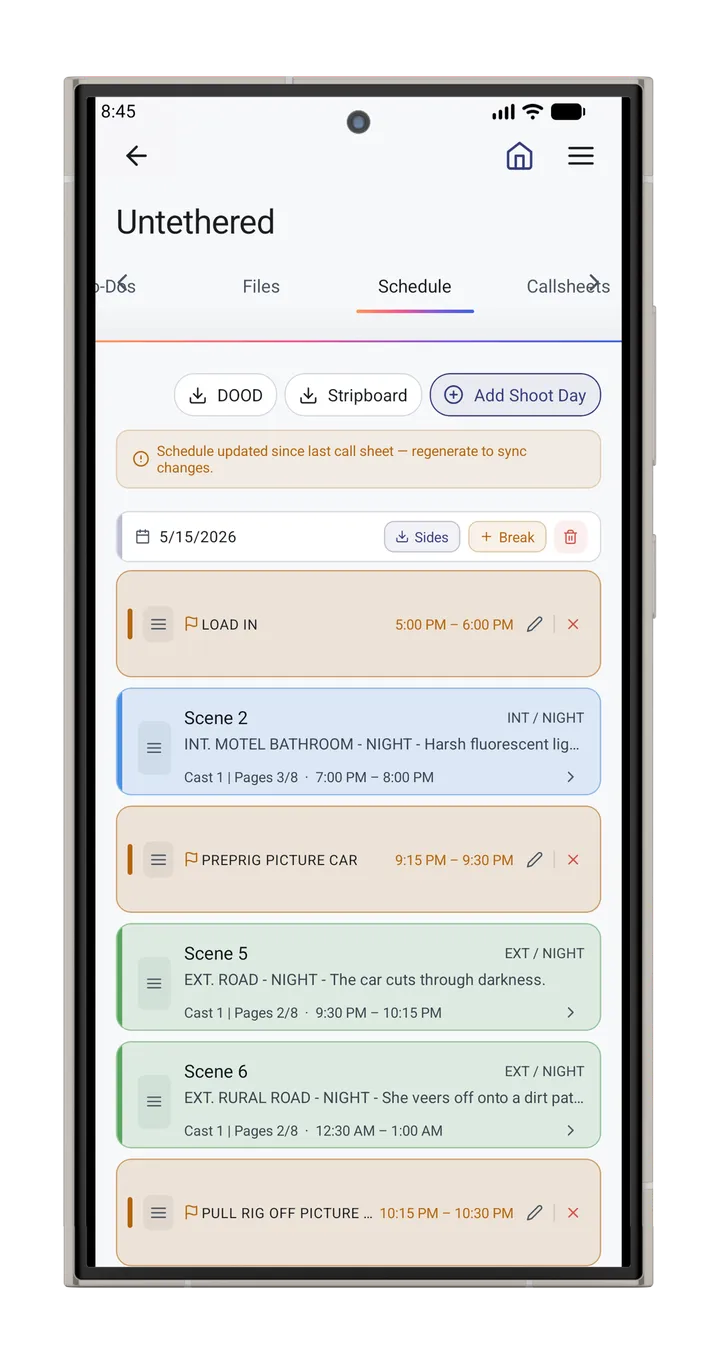
Give every shot an estimate that includes lighting, rehearsal and takes, not just running time. Add them up per scene and compare with the time you have. If the shots for a day add up to more than the day, cut or simplify now, while it costs a line on a page instead of a scene on the day.
Mark which shots you could lose. When the day runs late, the shot list is the document that tells the director and AD what goes first, and that decision is much better made in prep than at wrap minus one hour.
Step 6: Order Shots by Setup
Story order is how you write the list; it is rarely how you shoot it. Group shots that share a camera direction and lighting, so you shoot everything facing one way before turning around. In a two-person scene that usually means the master, then every shot looking at one actor, then every shot looking at the other. Each turnaround costs a relight, and saving one or two is often the difference between making the day and not.
A Worked Example
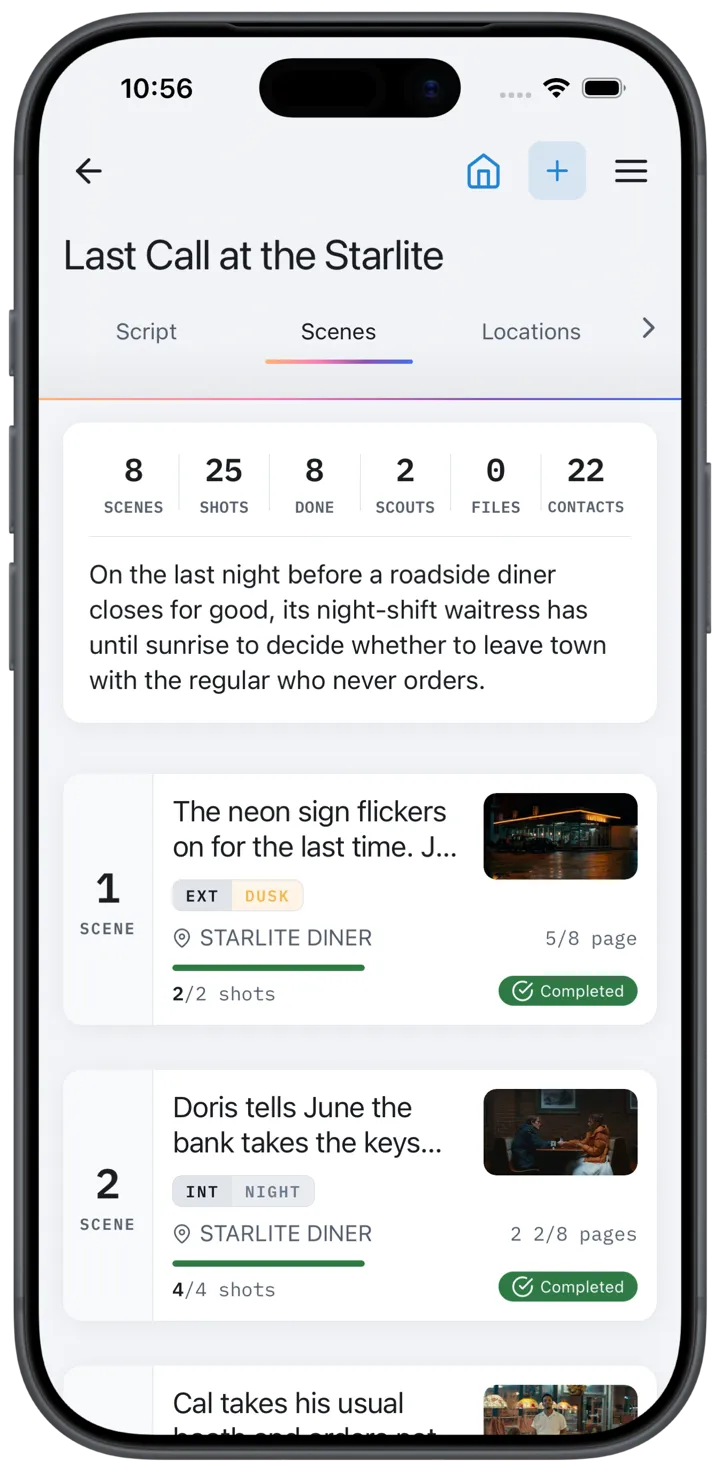
Scene 3 of Last Call at the Starlite, a short film about the last night of a roadside diner. The scene is INT. STARLITE DINER, NIGHT, 3 2/8 pages. Cal takes his usual booth and orders nothing, Hank, a trucker, needles him from the counter, and June, the waitress, finally asks Cal why he keeps coming back. It is covered classically on one camera with Cooke S4/i primes.
| Shot | Size | Movement | Lens | Description | Est. |
|---|---|---|---|---|---|
| 3A | WS | Static, sticks | 32mm | Master from the far booth: Cal in the foreground, Hank at the counter, June between them. | 45 min |
| 3B | MS (OTS) | Static, sticks | 50mm | Over Hank onto Cal as Hank needles him. | 30 min |
| 3C | MS (OTS) | Static, sticks | 50mm | Reverse over Cal onto Hank. | 30 min |
| 3D | MLS | Tracking, Steadicam | 35mm | June walks the coffee pot to Cal's booth; track with her. | 45 min |
| 3E | CU | Static, sticks | 85mm | Cal close-up: "Because you never ask." | 25 min |
| 3F | CU | Static, sticks | 85mm | June close-up, reacting. | 25 min |
Six shots and 3 hours 20 minutes for just over three pages. Day 1 already opens with two other scenes, including one that has to roll at dusk, so this production splits scene 3 across two shoot days: the master and both overs end day 1, and June's walk and the close-ups open day 2.
Shot in one night, setup order would be 3A, then 3B and 3E (both looking at Cal), then 3C (turned around onto Hank), then 3D and 3F. Splitting the scene costs that saving, because Cal's close-up now needs the booth relit on day 2. If day 2 runs long, the 85mm close-ups are the shots to lose, since the 50mm overs already cover the line.
Using the Shot List on Set
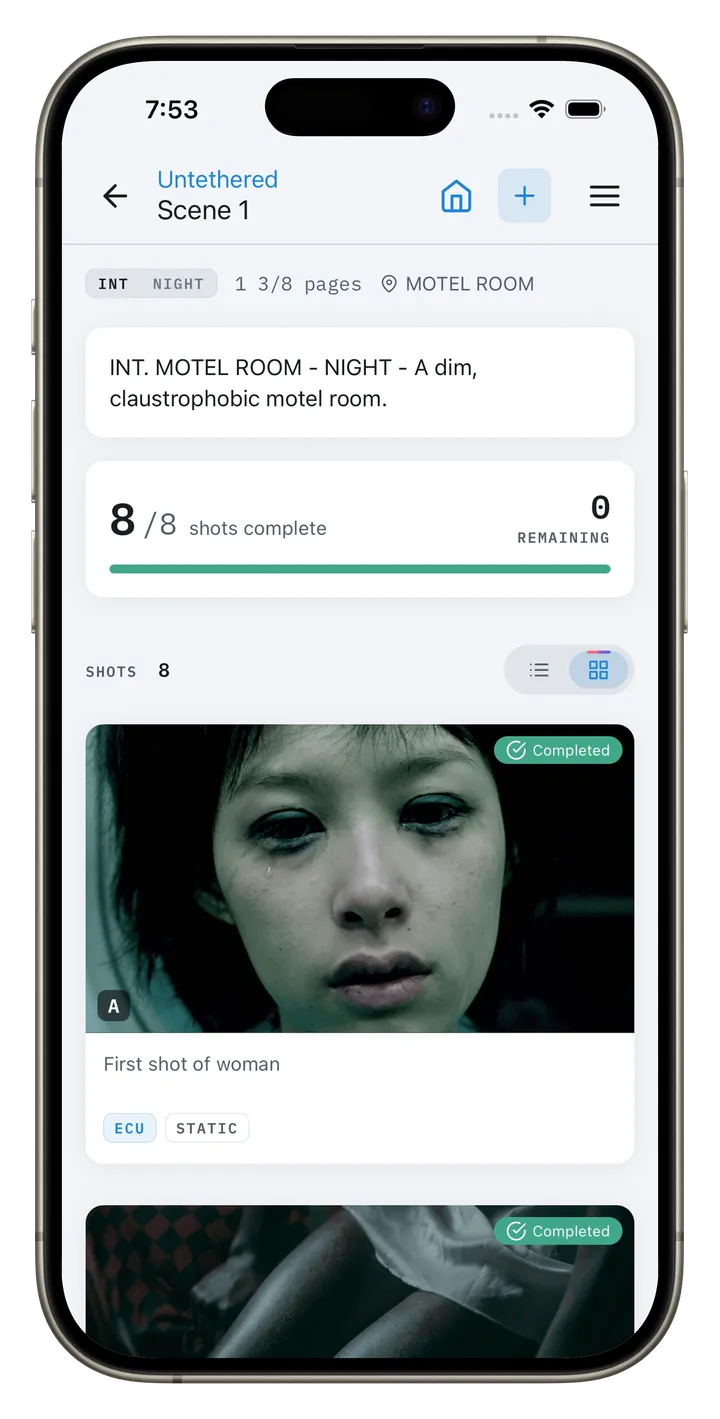
On the day, the shot list is a live document. The script supervisor or AD marks each shot as it is completed, adds a note when a shot is dropped or changed, and the director looks at what is left before deciding whether to add a pickup. When the list is shared, everyone can see how far through the scene the unit is without asking on the radio.
After wrap, the completed list is the record of what was shot. Editors use it to find coverage, and it is what you check before deciding whether a reshoot is needed.
Shot Lists vs Storyboards
A storyboard draws what each frame looks like. A shot list says how to get it and how long it will take. Storyboards are worth the time for action, effects and anything a client has to approve; the shot list is the working document on every shoot. Many productions attach a storyboard frame or a reference image to each shot so the two live together.
Spreadsheet or App?
A spreadsheet is fine for a short with one camera and a small crew. Our free shot list template works in Excel and Google Sheets, with dropdowns for shot size, movement and status so the list stays sortable.
An app earns its place when the list has to stay in step with the schedule and the crew: when shots need reference images, when two people are editing, or when the status has to be visible on set without a laptop. CineFlo is free for one project with unlimited scenes and shots, works offline on iPhone, iPad, Android and Mac, and imports the template so you don't have to retype it. Twelve coverage presets add common setups to a scene in one tap, and shot status updates for everyone on the project as you mark it.
Terms used here: coverage, script breakdown, page count (eighths), stripboard, company move.
Frequently Asked Questions
How do you make a shot list for a film?
Break the script into scenes, decide how each scene will be covered, then write one line per shot with its number, size, movement, lens and a short description of what happens in frame. Add an estimated time for each shot, check the total against the shoot day, and order the shots by camera setup so the crew relights as few times as possible.
What should a shot list include?
At minimum: scene, shot number, shot size, movement, lens and a one-line description. Most productions add the cast in the shot, an estimated time and a status, and larger crews add the camera letter, rig and notes for the DP or AD.
Who writes the shot list?
The director, usually with the director of photography. The director decides what the scene needs to tell the story; the DP turns that into sizes, lenses and movement. The first AD then uses it to build the schedule, and on small shoots the director often writes all of it.
How many shots should be on a shot list per page?
There is no fixed number. Many independent dramas plan on three to five pages a day, but a page of dialogue and a page of action need very different coverage. Count your shots, add their estimated times and compare that with the hours in the day: the arithmetic is more reliable than any rule of thumb.
How do you previsualize a shot list for a commercial before the shoot?
Attach a reference frame, sketch or storyboard panel to each shot, and walk the location on a tech scout taking photos from the planned camera positions with the planned focal lengths. That gives the agency and client something to approve, and it shows which shots will not fit the space before the day is booked.
How do you make a shot list for a documentary?
Write it as a list of coverage you must come back with rather than setups you will stage: the interview, the establishing exterior, the process close-ups, the archive to film. Status matters more than order, because the events set the order for you.
Is there a free shot list template?
Yes. CineFlo has a free shot list template for Excel and Google Sheets with 41 columns and validated dropdowns, and no signup. CineFlo itself is free for one project with unlimited scenes and shots, and it imports that template directly.