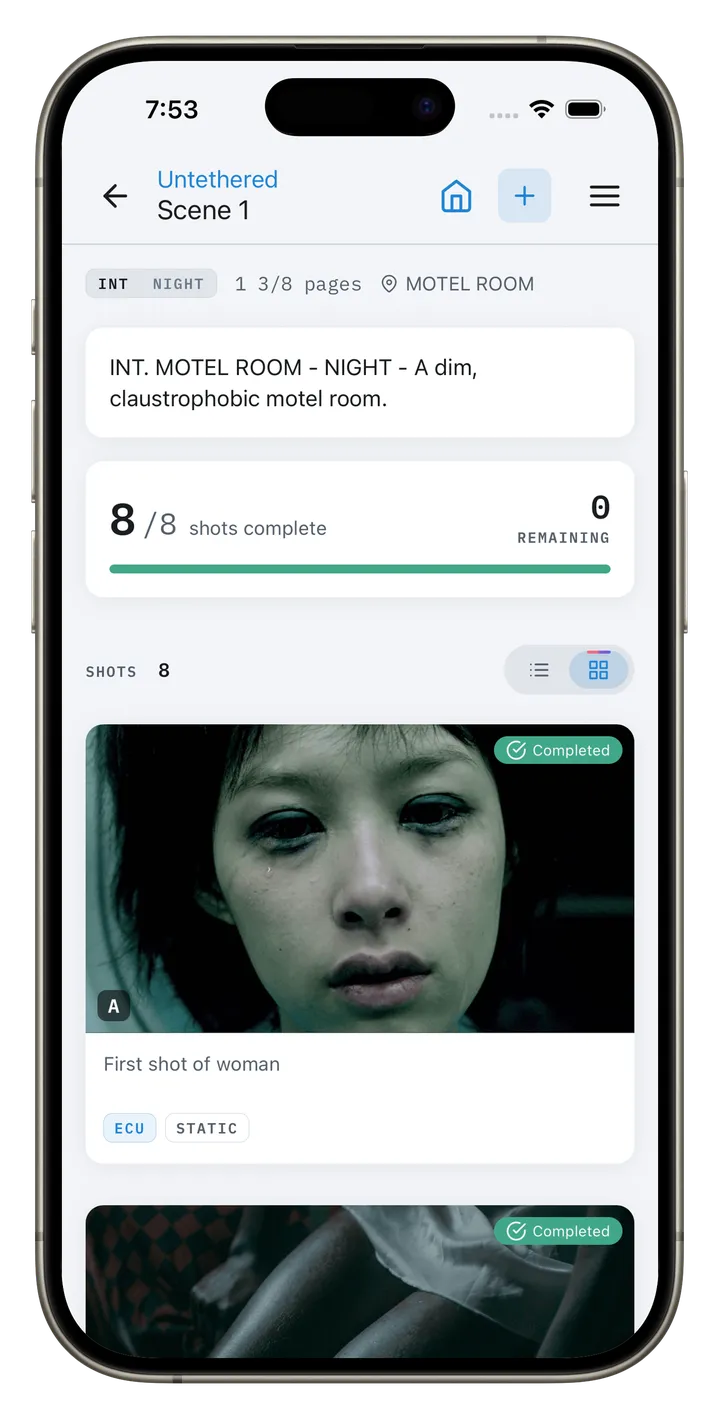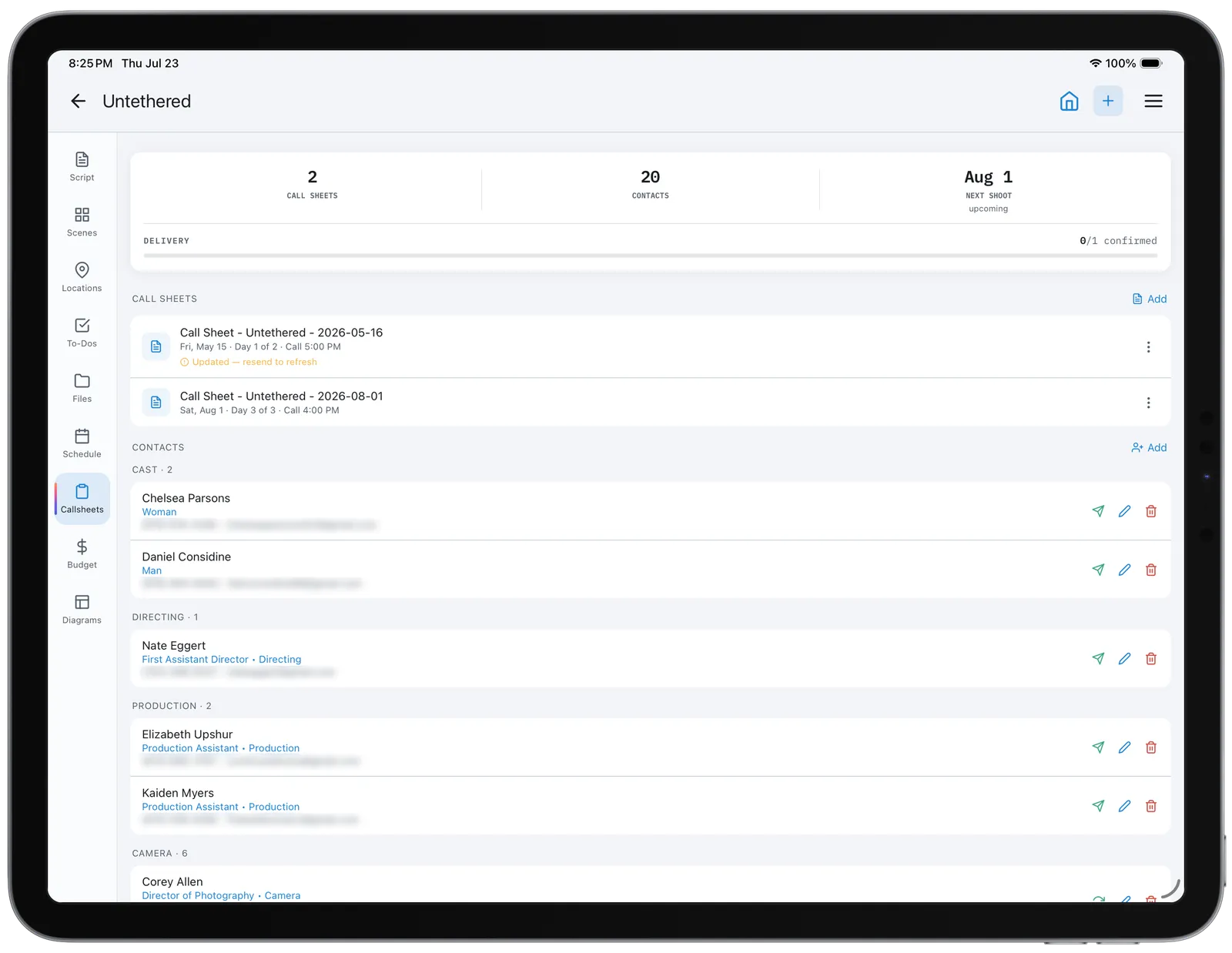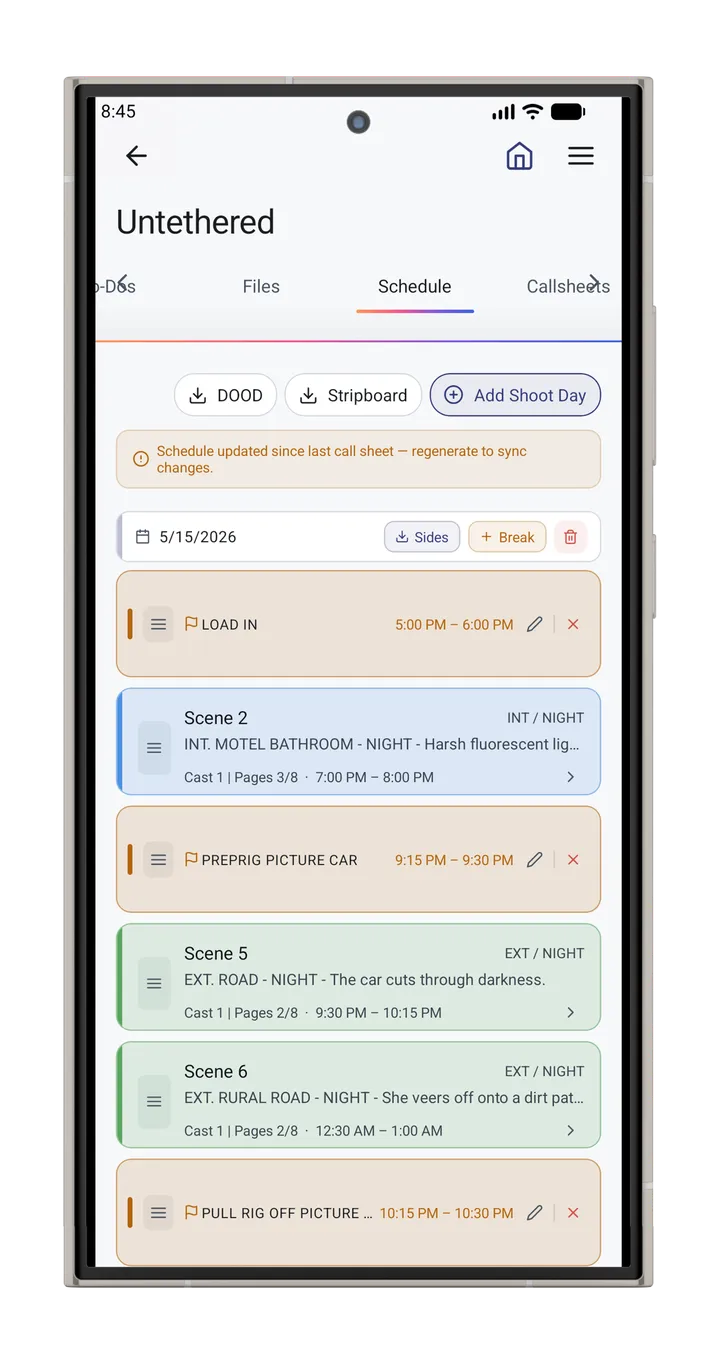

Call sheet app
Call Sheets That Start From Your Schedule
Pick a shoot day and CineFlo fills the call sheet from the stripboard: crew call, shooting call, meal and wrap, the scenes with their filming locations, and the cast they need. Weather and the nearest hospital come with it. Preview exactly what each person will get, send it by email or text, and watch the confirmations come in. Free on every plan, on iPhone, iPad, Mac, Android and the web.

From the stripboard
The Day Is Already Filled In
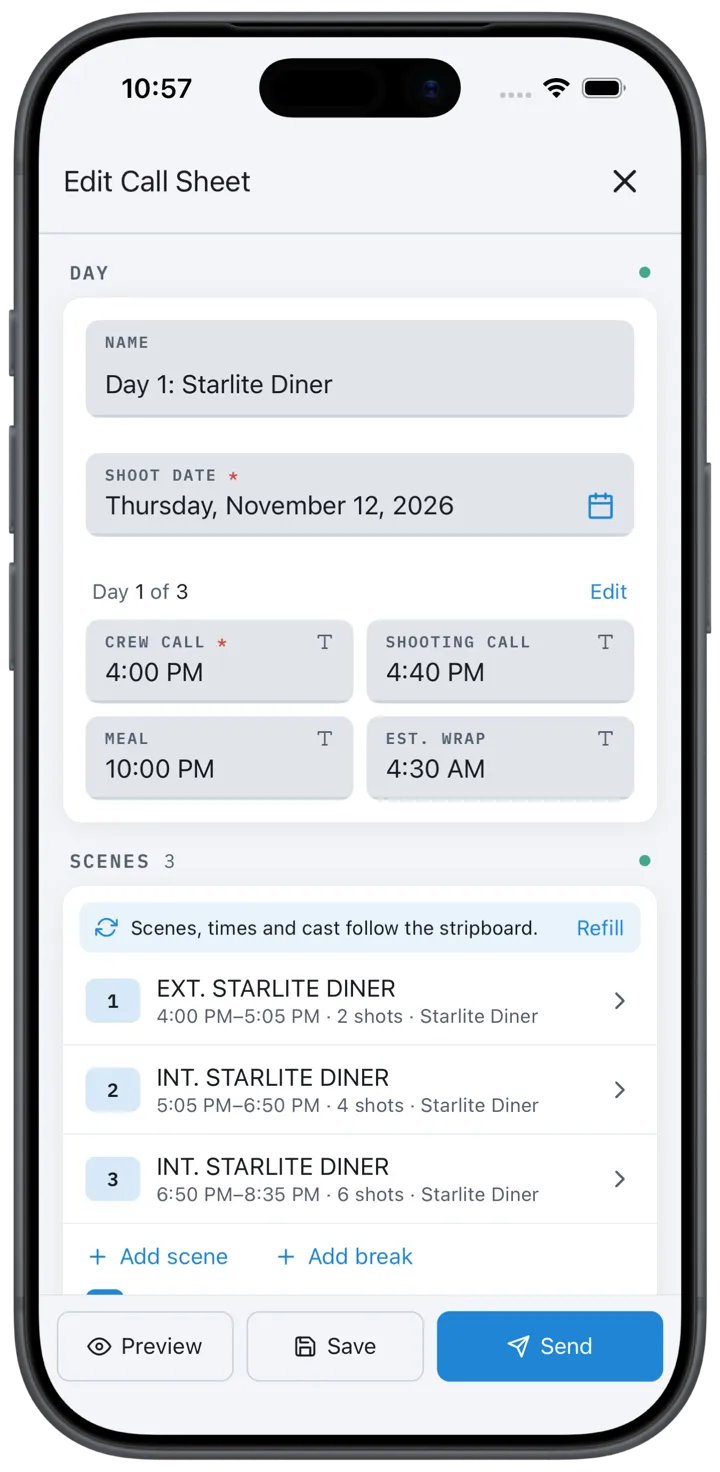
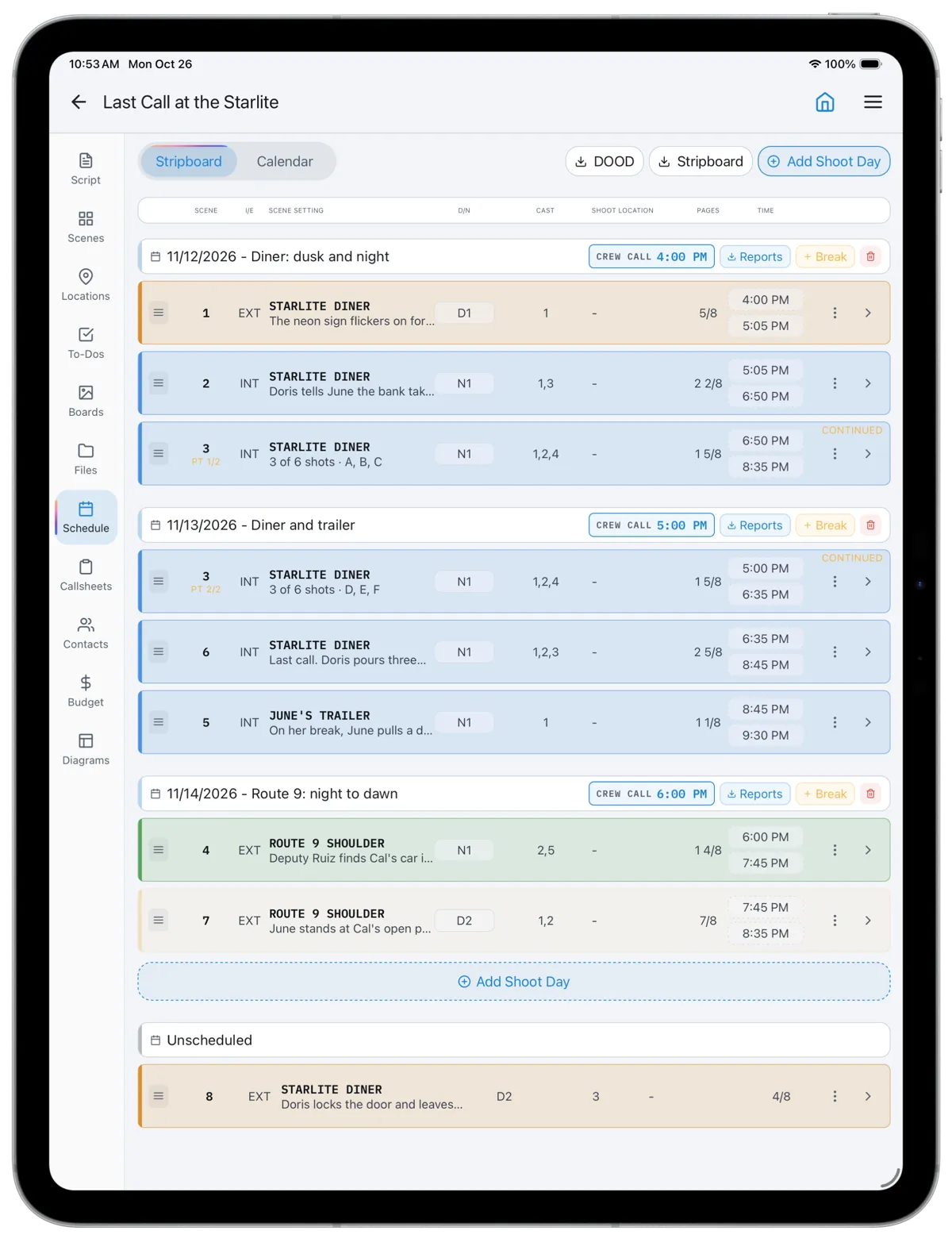
A call sheet in CineFlo starts from the shoot day you boarded. It takes the day number, crew call, shooting call, meal and wrap from the stripboard, lists the day's scenes with their times and where each one films, and calls the cast those scenes need. Split a scene across two days and each day's sheet carries only its own shots.
Change the schedule and the call sheet follows, without touching anything you typed by hand. Before you send, it tells you what is still missing, such as a scene time or a location address.
Before you send
See What Each Person Will Get
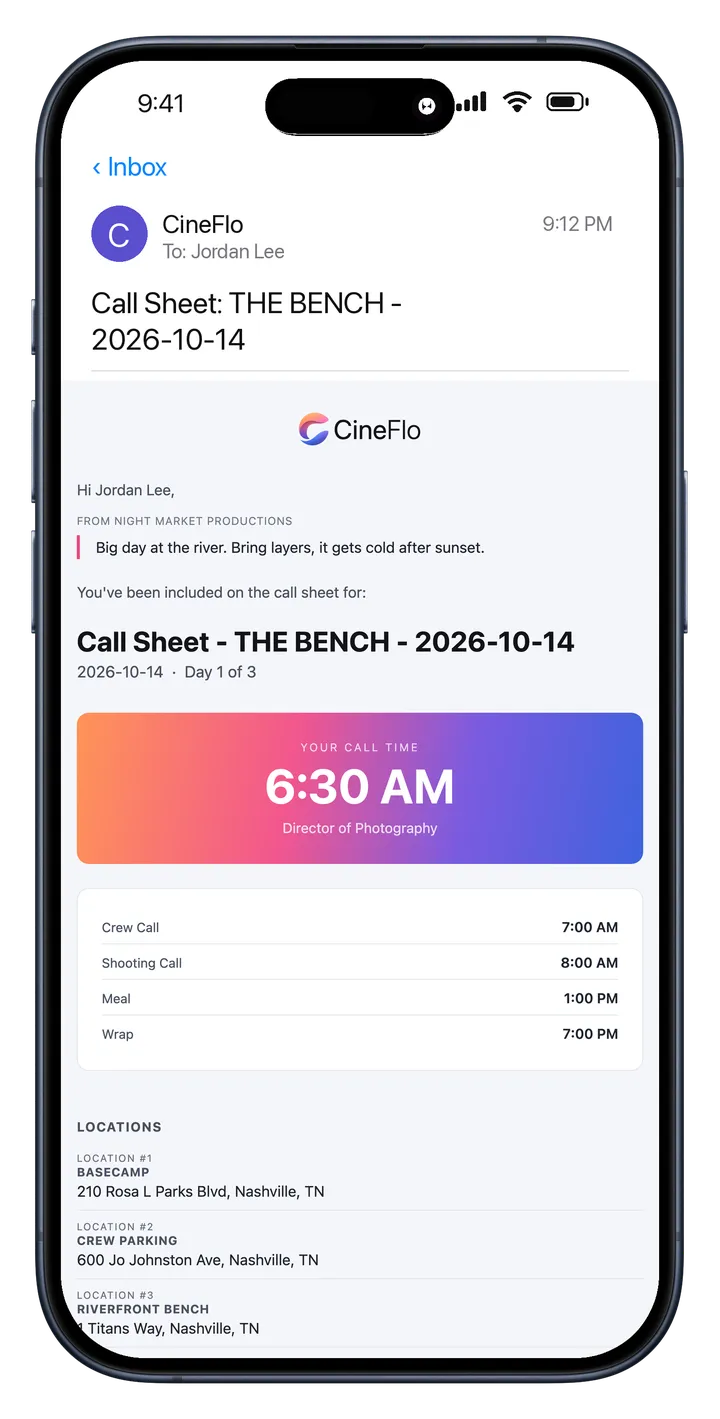
Everyone receives their own email: their call time and role at the top, then the day's times, every location with a map link, the weather and the nearest hospital, with the PDF attached. Preview it as any person on the sheet before it goes.
CineFlo Pro adds a message for everyone, a note only one person sees, maps, photos and PDFs attached to the email, and call times by text to people who have agreed to texts. Someone who holds two jobs appears in both places on the sheet and still gets one email.
After you send
Know Who's Confirmed
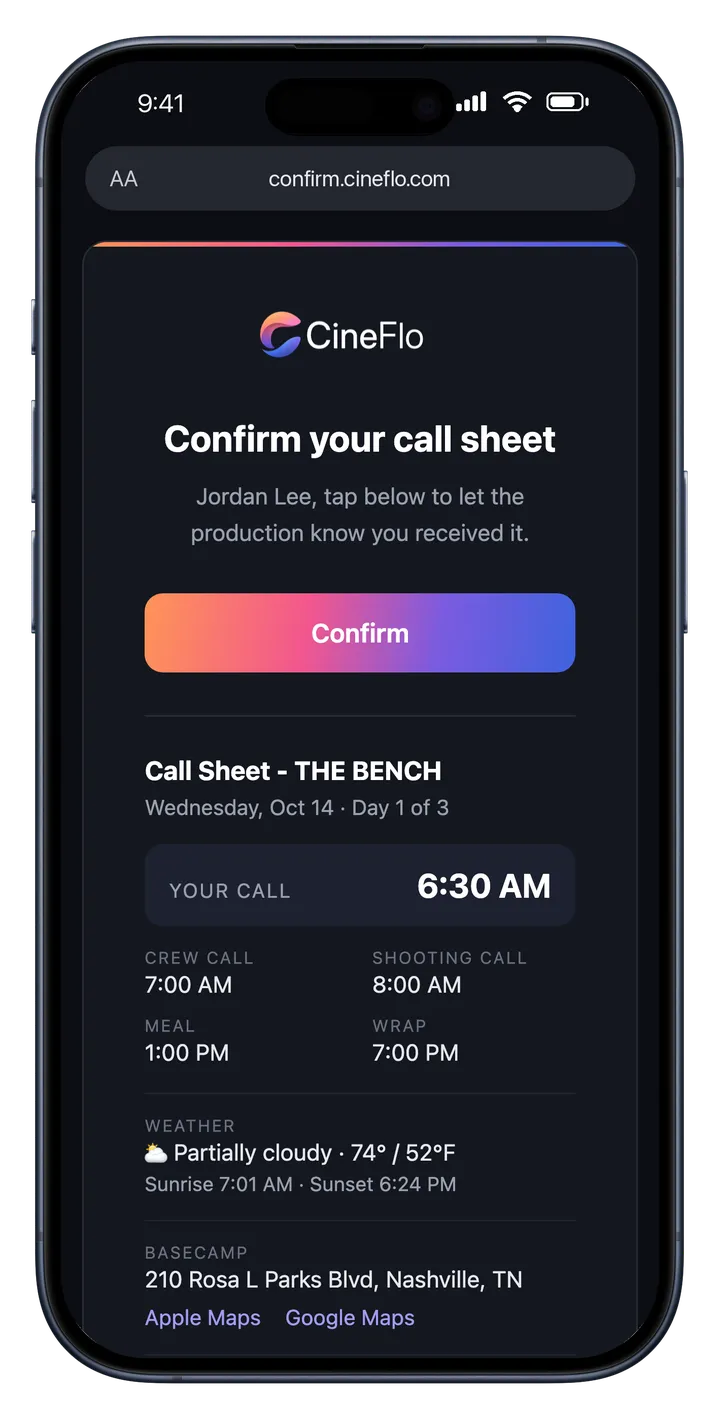
Each person moves from Sent to Delivered to Confirmed, whether they confirm from the email, the call sheet link or by replying CONFIRM to a text. Anyone a message could not reach is listed for follow-up, so you know who to call before the morning.
The link opens a page with a Confirm button rather than confirming on load, so an email security scanner cannot confirm for someone who never read the sheet. More on how call sheet confirmations work.
Built from the schedule the night before, confirmed by morning.
What Goes on a CineFlo Call Sheet
Page one is three columns: your logo with the director, DP and producer from your crew list, the crew call, and the weather with sunrise and sunset. Below that come the day's scenes in shooting order with their pages, cast and filming locations, the breaks where they fall, cast calls with pickup and on-set times, crew in department order, clients in their own compact section, and your notes. The PDF is named for the sheet and its date.
For the full anatomy of a call sheet and when to send it, read how to make a call sheet.
How CineFlo Compares
| Call sheets | CineFlo | StudioBinder | SetHero |
|---|---|---|---|
| Send call sheets on the free plan | Yes, every project you own | To yourself only | First project free, up to 75 people and 5 days |
| Confirmation tracking | Every plan | From Indie, $49 a month | Every tier |
| Call times by text | Pro, $7.99 a month | From Indie, $49 a month | Every tier |
| Native iPhone, iPad and Android apps | Yes, and offline | No, browser only | No, browser only |
Prices and features from each company's published pricing and support pages, October 2026. Full comparisons: CineFlo vs StudioBinder and CineFlo vs SetHero.
Questions about call sheets?
FAQs
Common Questions About the Call Sheet App
Is there a free call sheet app?
Yes. CineFlo is free to download, and the free plan includes call sheets on every project you own: build them from the schedule, email them to cast and crew, and track who has confirmed. Pro adds texts, messages, private notes, attachments and PDF export.
How does the CineFlo call sheet app work?
Board your shoot days on the stripboard, then create a call sheet for a day. CineFlo fills in the times, scenes, locations and cast from the schedule. Add weather, notes and anything else, preview each person's email, and send. Cast and crew confirm from their phone without an account.
Can I text call times to my crew?
Yes, with CineFlo Pro, which includes 500 texts a month. Each person who has agreed to texts gets their call time and a link to the call sheet, and in the United States, Canada, India and a few dozen other countries they can reply CONFIRM. See where texts work.
Do cast and crew need the app to receive a call sheet?
No. They get an email, or a text with Pro, and the link opens their call sheet in any browser with a Confirm button at the top.
Is there a call sheet app for Android?
Yes. CineFlo runs on Android phones and tablets, iPhone, iPad and Mac, and in any browser at app.cineflo.com, all working on the same projects.
Can I put my company logo on the call sheet?
Yes, on CineFlo Pro. Set a logo once in Settings and it prints on every PDF, or give a project its own. Exports from a shared project carry the owner's logo.